
View the detailed result of an executed statement in a Quick Look preview or by adding a results view to the playground. Some results can be viewed in different ways. For example, the set of results for a number variable in a loop can be viewed as a graph of the values for each iteration of the loop, a set of values for each iteration, or the value of the last iteration.
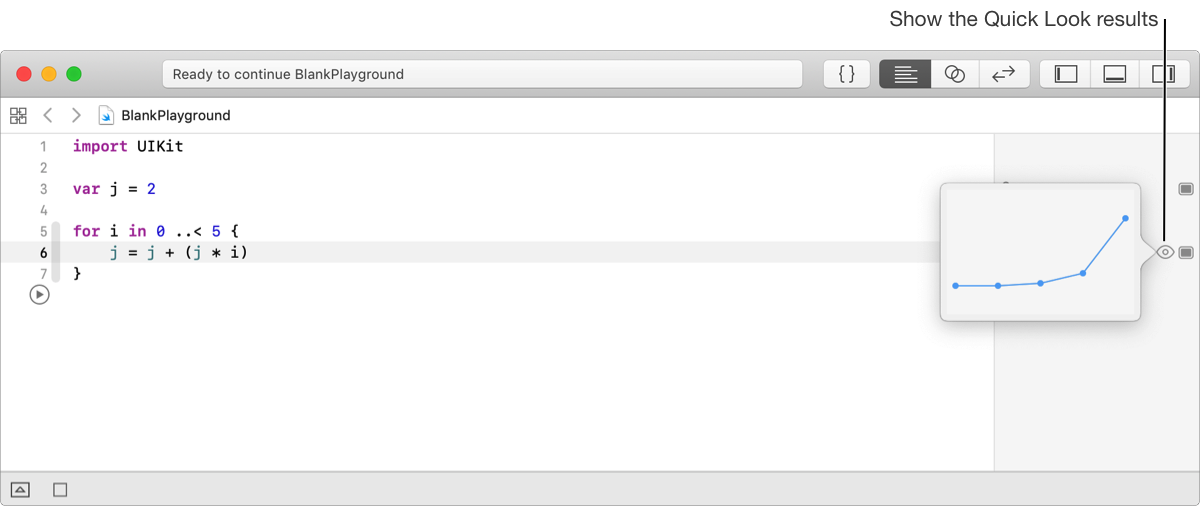
In the sidebar, hover the pointer adjacent to the Show Result button for the line of code, then click the Quick Look button that appears.
The results view appears in a popover.
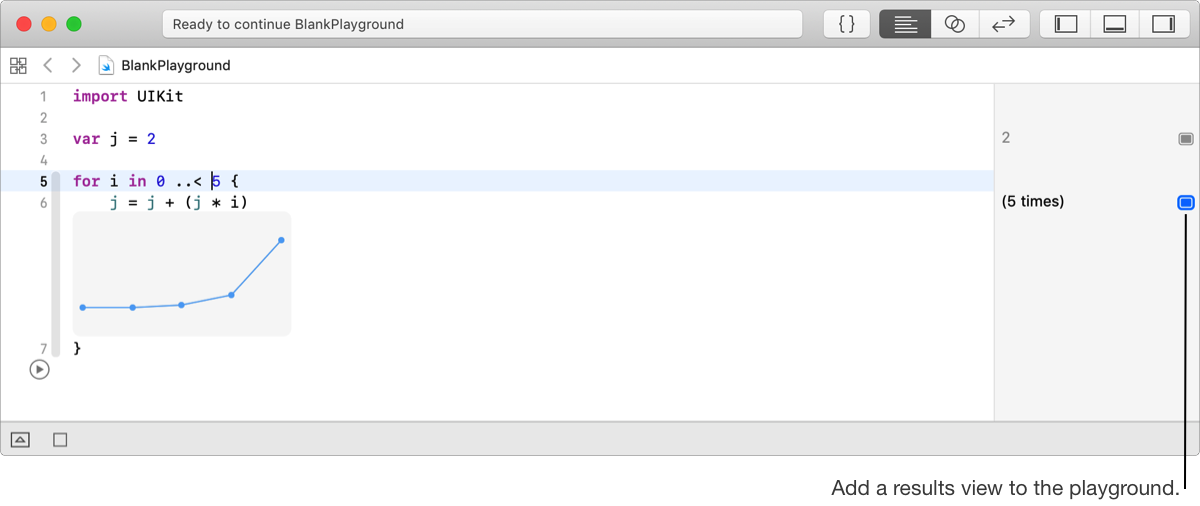
In the sidebar, click the Show Results button for the line of code (or place the insertion point in the line of code, then choose Editor > Show Result for Current Line).
A results view appears in the editor below the line of code.
In the sidebar, click the Show Results button for the line of code (or place the insertion point in the line of code, then choose Editor > Hide Result for Current Line).
Hover the pointer over an edge or corner of the results view.
The pointer changes to a double-headed arrow.
Drag the edge of the results view to resize it.
You can view some results in different ways. For example, the value of a number in a loop can be viewed as a graph, a series of values, or as the last value.
Control-click the results view in either the source editor or the Quick Look popover, then choose an option from the popup menu:
Latest value: Displays the current value.
Value history: Displays all the values.
Graph: Displays the values as a graph.
Alternatively, select the results view in the source editor, then choose Editor > Result Display Mode and an option above.