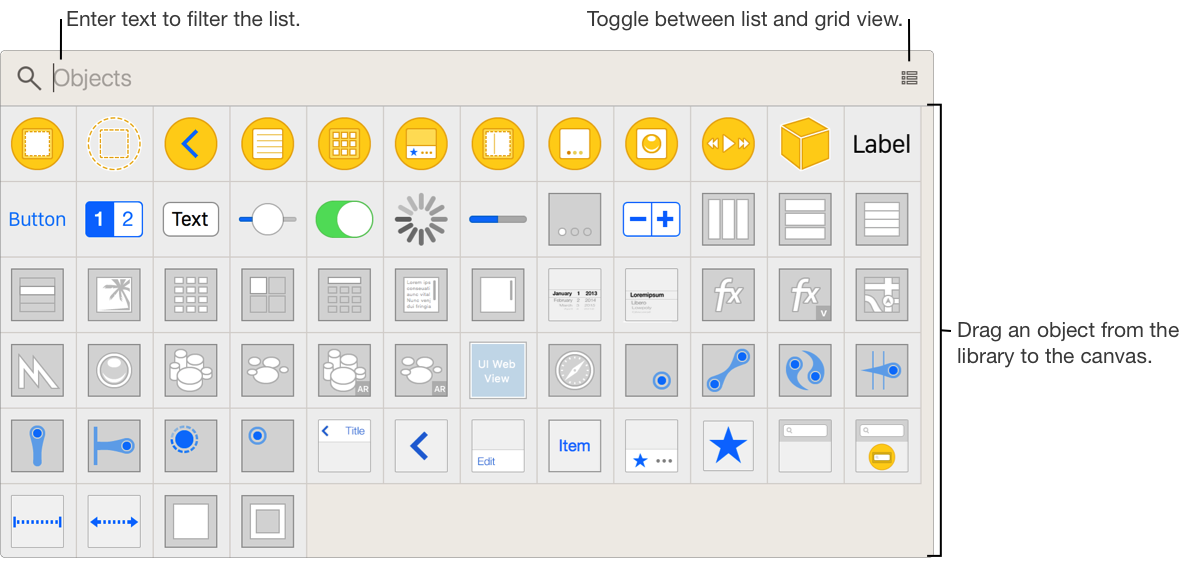
Open the Object library: Select a user interface file in the project navigator, then click the Object library button ( ) in the toolbar.
Use the Object library to add ready-to-use resources to your user interface, such as view controllers, views, gesture recognizers, and formatters. The resources shown depend on the target platform of the interface you are editing.
Open the Object library: Select a user interface file in the project navigator, then click the Object library button () in the toolbar.
Add an object to your interface: Drag the object from the library to the canvas.
Filter the objects shown in the library: Type text into the filter bar.
Open the Object library in a persistent window: Option-click the Object library button () in the toolbar.