
Use the playground markup format to add formatted text to your rendered playground. View the rendered text by switching to rendered markup mode. Edit the markup by switching to raw text mode.
The raw text below renders as as a title followed by a three-item bulleted list.
/*:### Some Animals* Cat* Dog* Llama*/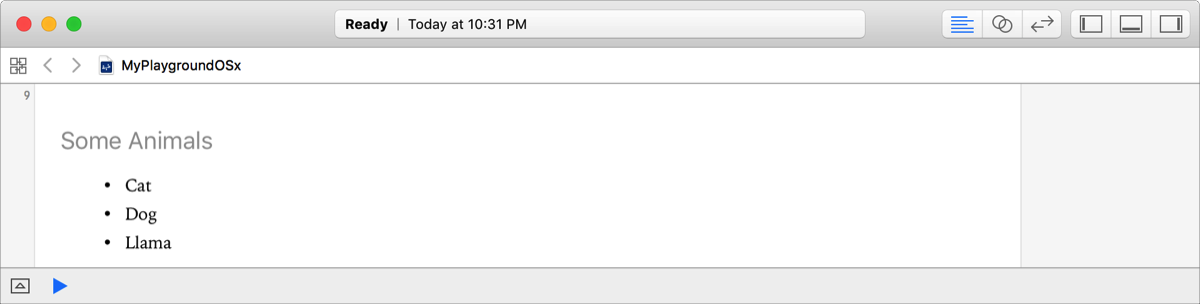
Choose Editor > Show Rendered Markup.
The menu command is only available if the editor is currently displaying raw comments.
Choose Editor > Show Raw Markup.
The menu command is only available if the editor is currently displaying rendered markup.
For more information on using markup to show rendered documentation in your playground, see Markup Formatting Reference.