
Use the General pane of the project editor to adjust general settings for the targets in your project, such as identity, signing, and deployment options.
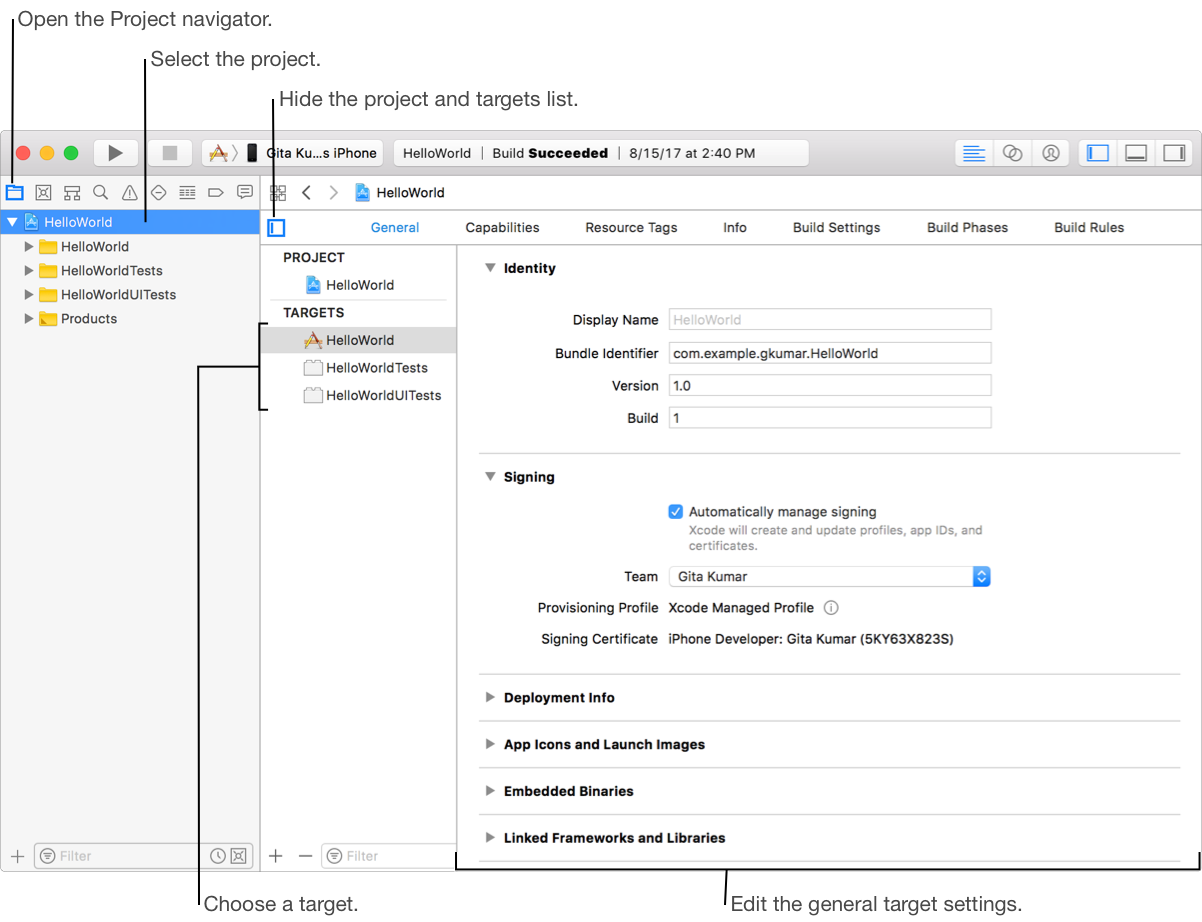
In the Project navigator, select a project.
In the left column of the project editor, select a target.
To display the left column, click the “Show project and targets list” icon ( ) or choose a target from the pop-up menu at the top of the project editor.
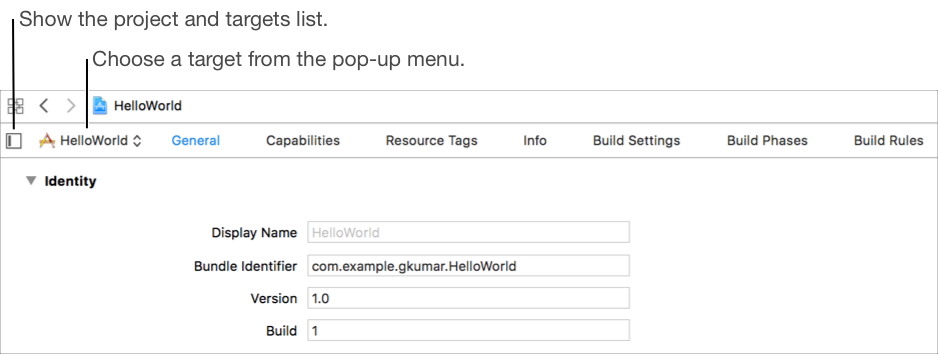
Click General at the top of the project editor.
If necessary, click the disclosure triangle icon ( ) to expand or collapse a group of settings.