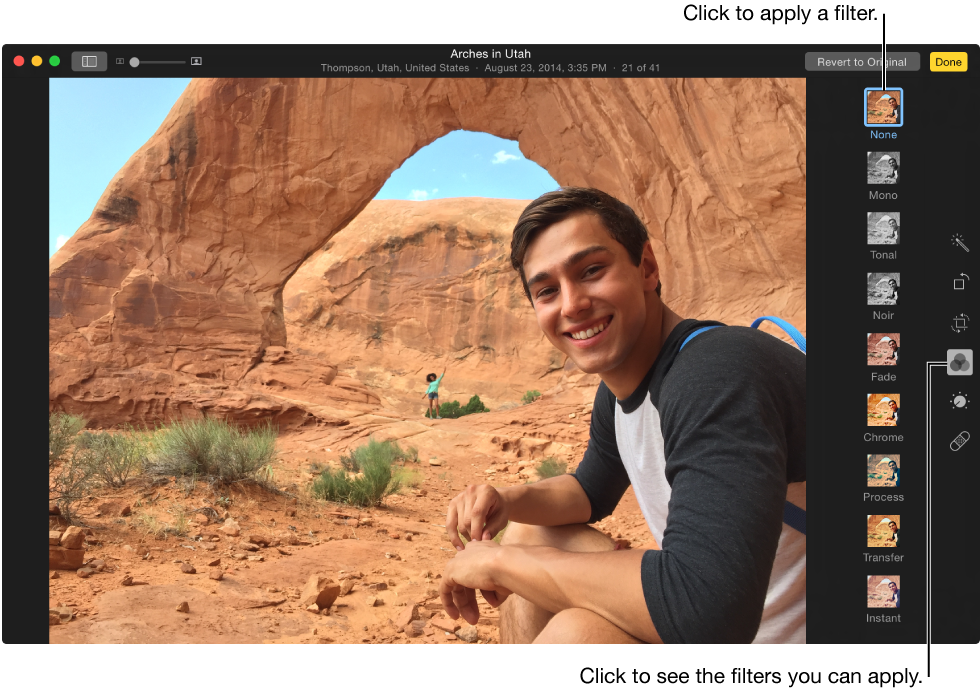

You can give your photos a special look by using one of eight filters available in Photos.
Double-click a photo, then click Edit in the toolbar.
Click the Filters button  .
.
Tip: To quickly see filters while editing, press F. Press F again when you’re done making changes.
Click the filter you want.
Scroll up and down to see all the filters.
Your changes are saved automatically, unless you choose Edit > Undo or click the Revert to Original button.