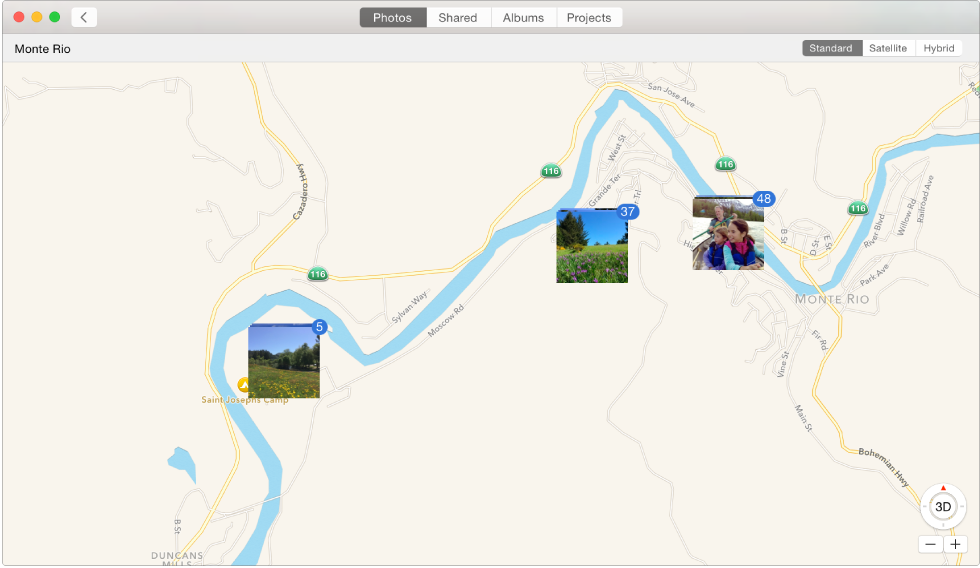

If your camera has GPS capability (as iPhone does), or you’ve added GPS information to your photos, Photos can automatically display your photos on a map.
Click Photos in the toolbar, position the pointer over the heading of a collection or moment, then click the location.

Do any of the following:
Click a thumbnail on the map to see the photos taken at that location.

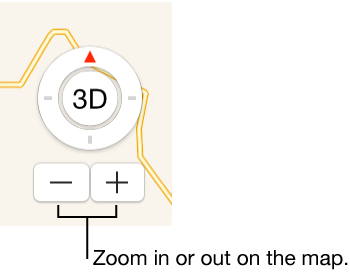
Click the zoom buttons to zoom in or out.
Drag the map to reposition to it.
Click Standard, Satellite, or Hybrid to show the map in different formats.