in the toolbar.
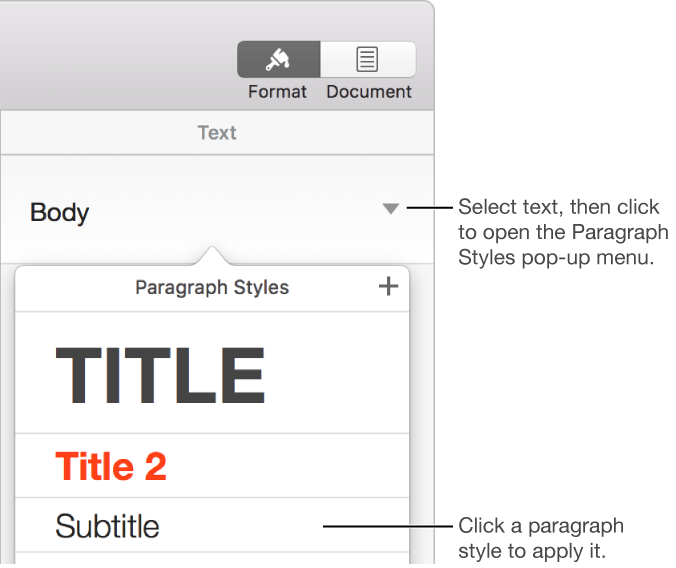
A set of attributes—font size and color, for example—you can apply quickly to an entire paragraph. Using paragraph styles ensures a consistent look for the text in your document.
Paragraph styles also make it easy to format documents. For example, if you apply the Heading style to all the headings in a document, and later decide you want to change their color, you can change the color of the Heading style itself, and all the headings update automatically—you don’t have to change them individually.
Paragraph styles appear in the sidebar on the right side of the Pages window, where you can assign shortcut keys to them. If you don’t see the sidebar, or the sidebar doesn’t have text controls, click in the toolbar.