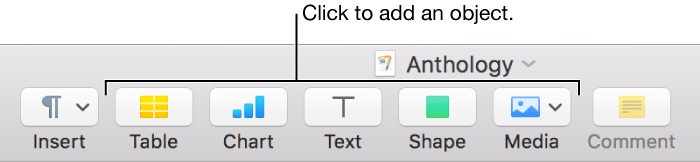
Objects are any items you place on a page, including images (photos), text boxes, shapes, tables, and charts. To add an object to a page, click one of the object buttons in the toolbar.
After you add an object, you can drag it to where you want it on the page, add content to it, and modify its appearance. When an object is selected, formatting controls for it appear in the Format  sidebar to the right of the document.