
Show word, character, and paragraph count
Click
 in the toolbar, then choose Show Word Count.
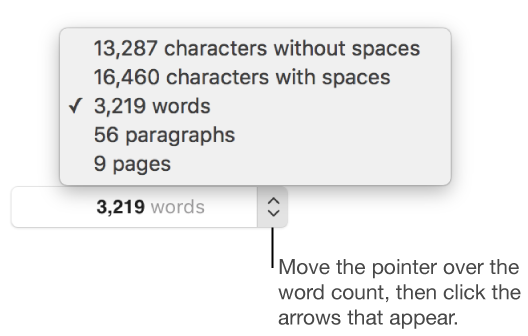
The word count appears near the bottom of the page.
Move the pointer over the right side of the word count, then click the arrows that appear to choose what you want to display at the bottom of the page.
Drag the counter anywhere in the document.