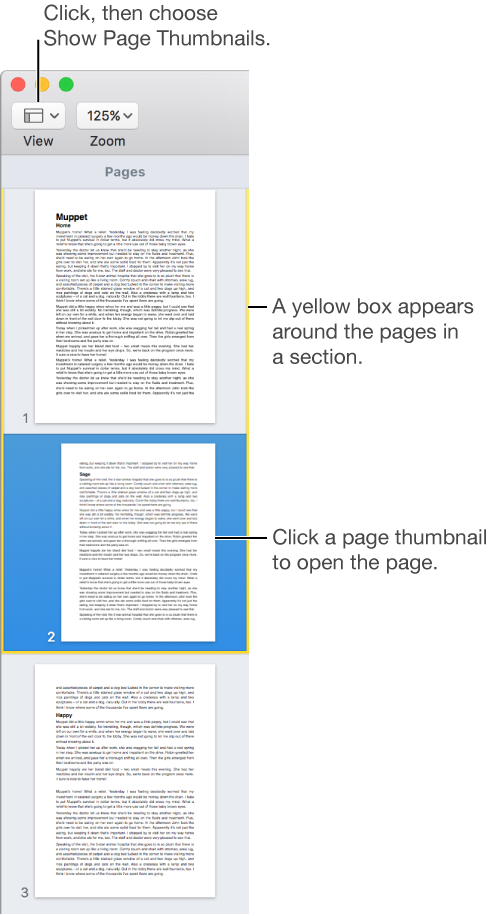

To quickly find and jump to a page in your document, show the page thumbnails.
You can press keys on your keyboard to navigate in your document. Do any of the following:
Move to the next or previous line: Press the Up Arrow or Down Arrow key.
Move to the next or previous page: Press the Page Up or the Page Down key. If your keyboard doesn’t have these keys, press Fn-Up Arrow or Fn-Down Arrow.
To see all the keyboard shortcuts you can use in Pages, see Pages for Mac keyboard shortcuts.