Select the text you want to change.
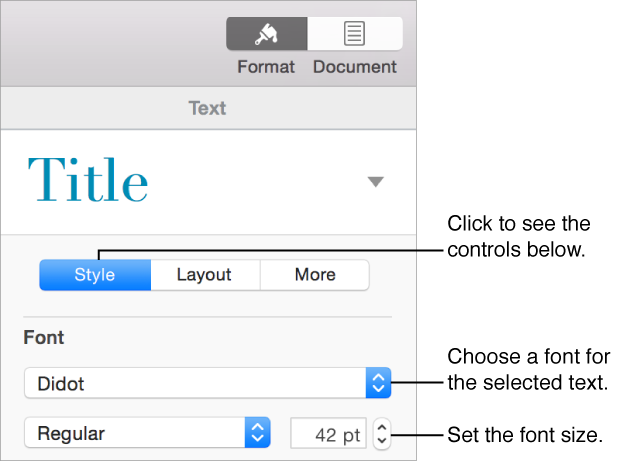
Click the Style button near the top of the sidebar on the right.
If you don’t see a sidebar, or it doesn’t have a Style button, click
 in the toolbar. If the text is in a text box, table, or shape, first click the Text tab at the top of the sidebar, then click the Style button.
Click the Font pop-up menu and choose a font.
Click the small arrows to the right of the font size to make the font larger or smaller.