Lock or unlock a document
Click the document name at the top of the page.
Select the Locked checkbox to lock it, or deselect it to unlock it.
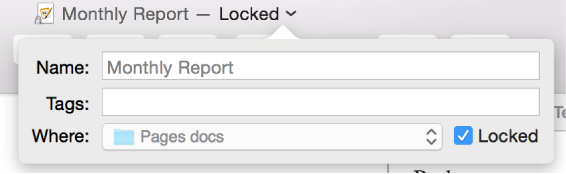
Click outside the pop-up to close it.

You can lock a document so it can’t be edited, moved, deleted, or renamed.
Click the document name at the top of the page.
Select the Locked checkbox to lock it, or deselect it to unlock it.
Click outside the pop-up to close it.
Locking a document isn’t the same as protecting it with a password—anyone can unlock the document.