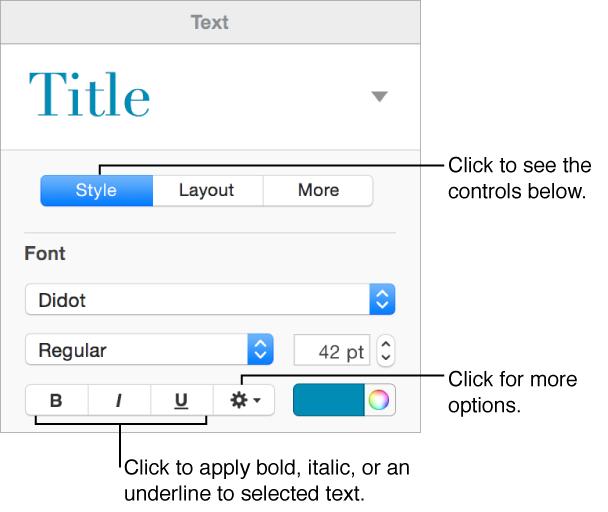
Select the text you want to change.
Click the Style button near the top of the sidebar on the right.
If you don’t see a sidebar, or it doesn’t have a Style button, click
 in the toolbar. If the text is in a text box, table, or shape, first click the Text tab at the top of the sidebar, then click the Style button.
In the Font section, click one or more buttons to apply formats.
To remove a specific format, click its button again.
If the font you’re using has other options available (such as light or condensed), click the pop-up menu above the buttons to choose them.