
Modify capitalization
Select the text you want to change, or click where you want to type new text.
Click the Style button near the top of the sidebar on the right.
If you don’t see a sidebar, or it doesn’t have a Style button, click
 in the toolbar. If the text is in a text box, table, or shape, first click the Text tab at the top of the sidebar, then click the Style button.
In the Font section, click
 , then choose an option from the Capitalization pop-up menu: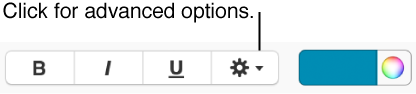
None: The text is reverted to how you entered it.
All Caps: All text is capitalized at the same height.
Small Caps: All text is capitalized with larger capitals for uppercase letters.
Title Case: The first letter of each word is capitalized.