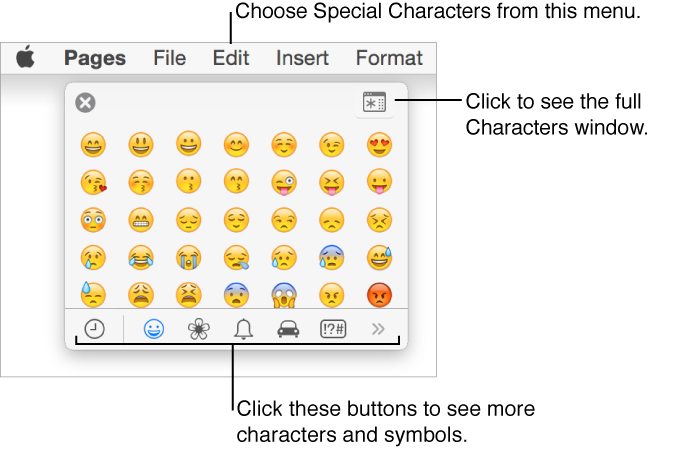
You can insert special characters in text, including mathematical symbols; letters with accent marks; arrows and emoticons; Japanese, Chinese, and Korean characters; and more.
Enter special characters and symbols
Click where you want the character or symbol to appear.
Choose Edit > Special Characters (from the Edit menu at the top of your screen).
The Characters window opens.
Click a button at the bottom of the Characters window to choose a category of characters (click the left or right arrows to see more categories).
Click the character you want to insert.
For information about using keyboards and input methods for other languages, click the desktop to switch to Finder, then choose Help > Mac Help (from the Help menu at the top of your screen) and search for “Input sources.”