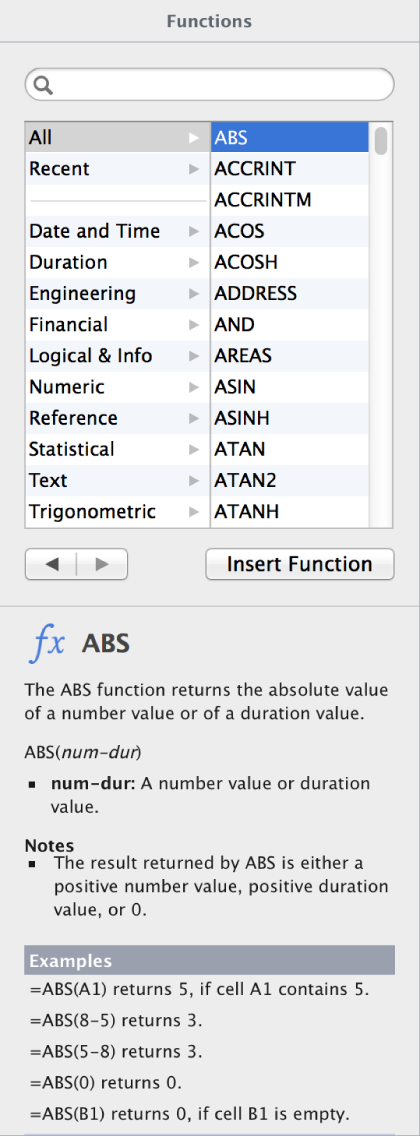

In Pages, the Function Browser allows you to learn about and insert functions you use to perform calculations in table cells.
To open the Function Browser, select a table cell, then type the equal sign (=). The formula editor appears in the table cell and the Function Browser opens on the right side of the window.