Double-tap the shape to make the keyboard appear, then type your text.
If a clipping indicator  appears, which signifies there’s too much text to display in the shape, tap the shape and drag any blue dot on the shape’s border until all the text is showing.
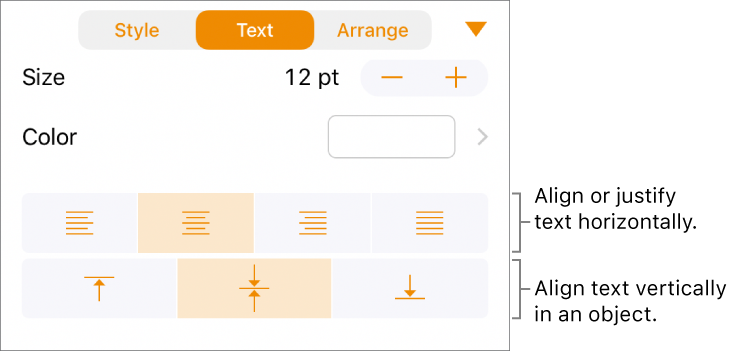
To align the text in the shape, select the text, tap  , tap Text, then tap any alignment button.