Use a word or phrase as a link
You can make a word or phrase a link without showing its associated URL or email address in your document.
Select the text.
Tap
 in the shortcut bar above the keyboard, then tap Link.
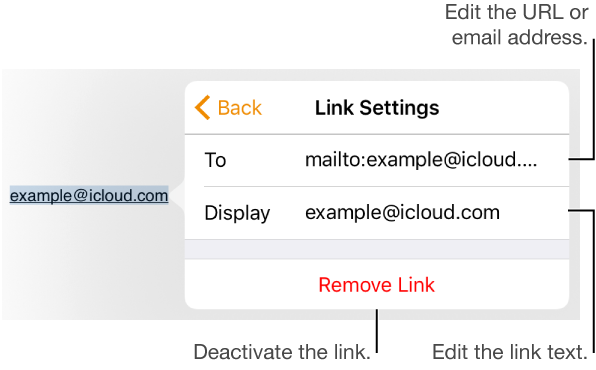
Tap the screen to deselect the link, tap the link again, then tap Link Settings.
Select the text in the Link or To field, then do one of the following:
For a website: Enter a URL.
For an email address: Enter an email address and subject.
Tap the document to close Link Settings.