
To quickly find and jump to a page in your document, show the page thumbnails.
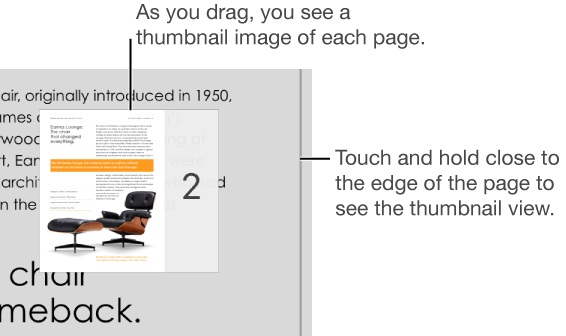
Touch and hold anywhere near the right edge of the page until the thumbnail view appears.
Drag up or down to view thumbnail images of pages in the document.
When you see the page you want, lift your finger straight up to jump to that page.
To release the thumbnail view without leaving the current page, swipe to the right.
Tap the status bar (the black border displaying the time, above the Pages toolbar) to return to the beginning of the document.