
Add headers, footers, and page numbers
You can add headers and footers that appear on every page. Headers and footers can include text and page numbers.
Add text in headers and footers
Tap  in the toolbar, then tap Document Setup.
Tap the areas above or below the document body to type header and footer text.
You can use just one or any combination of the three fields for your header or footer.
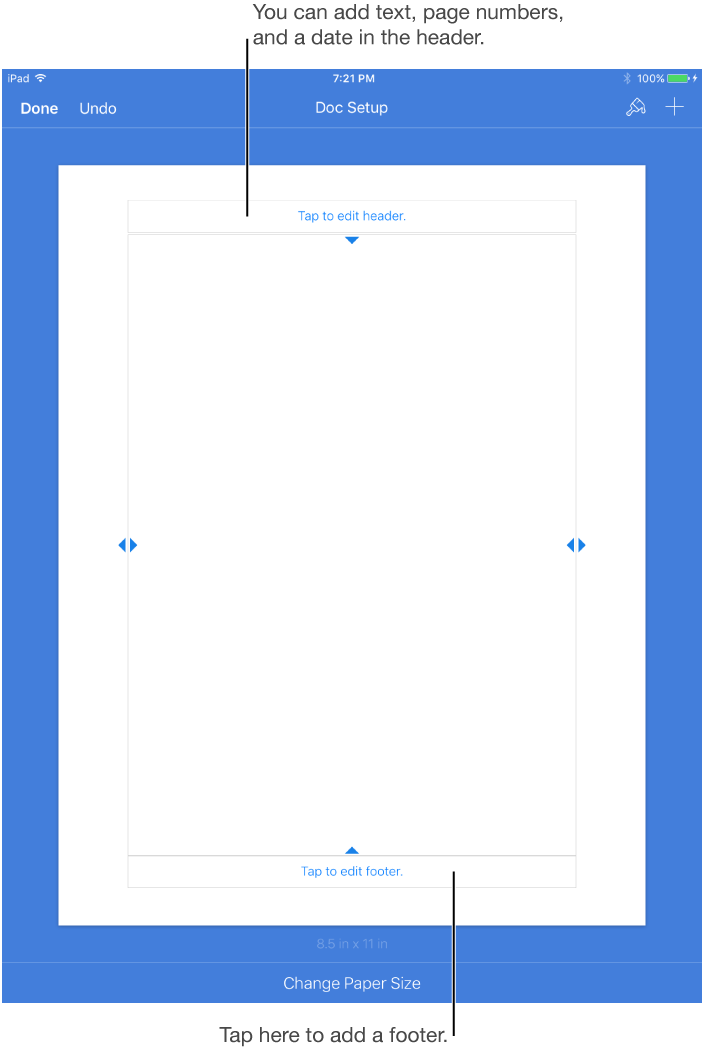
Tap Done in the top-left corner of the screen to return to the document.
Delete headers or footers
Tap any text in the header or footer.
Document Setup view opens.
Select the text you want to delete, then tap Delete, or tap  .
.
Add page numbers
Tap in the toolbar, then tap Document Setup.
Tap the section of the header or footer where you want the number to appear, then tap Page Numbers.

Tap a page numbering style.
Tap Done in the top-left corner of the screen.