Mark it. Sign it. Send it.
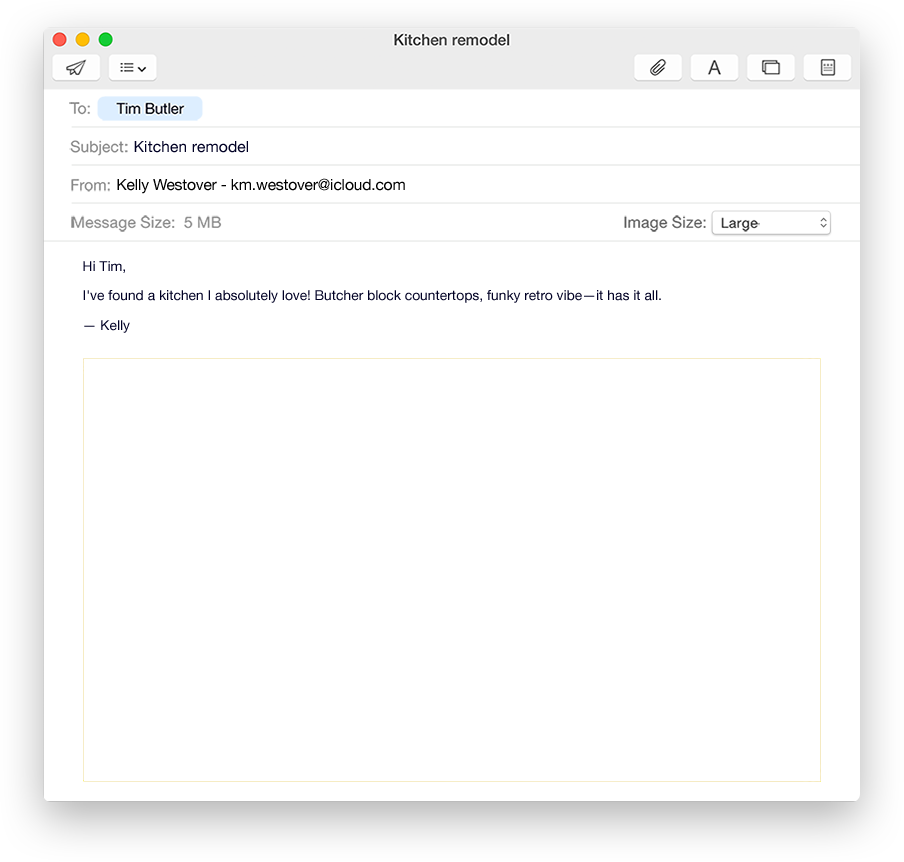




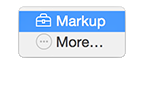


Mark it up without leaving Mail.
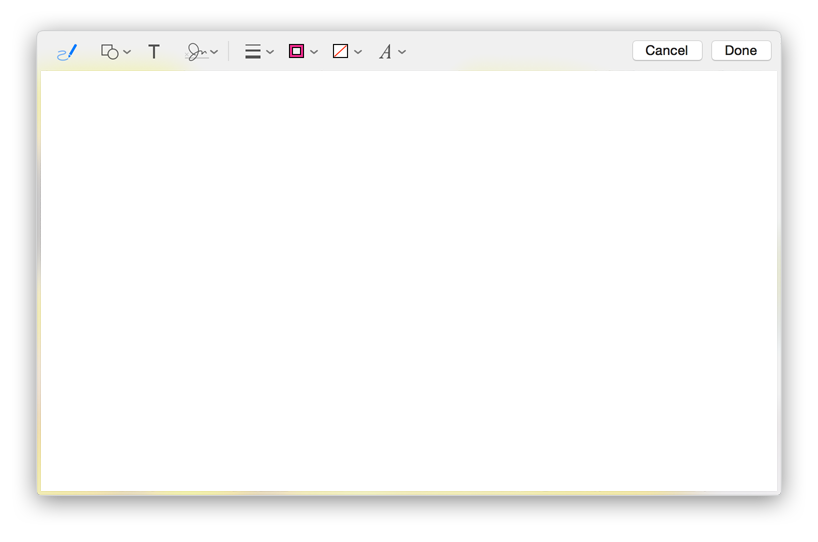
To write, draw, or add shapes to a form, PDF, or image, hold the pointer over the attachment, click  , then choose Markup.
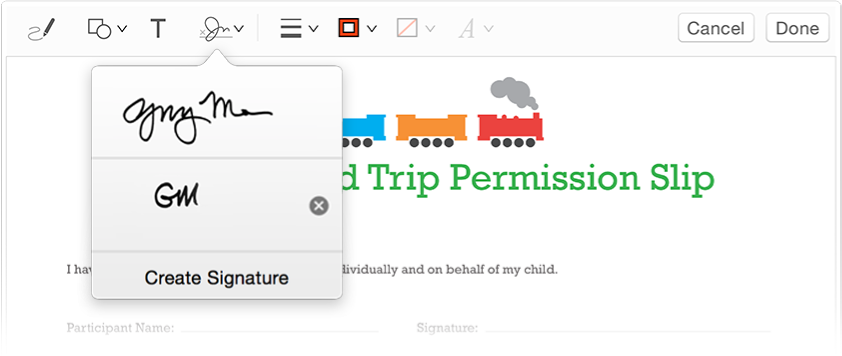
Fill out and sign — no pen required.
Fill out a form, then sign it using your trackpad. Click  in the Markup toolbar, then choose a signature or create a new one.
Attachments too big?Not anymore.
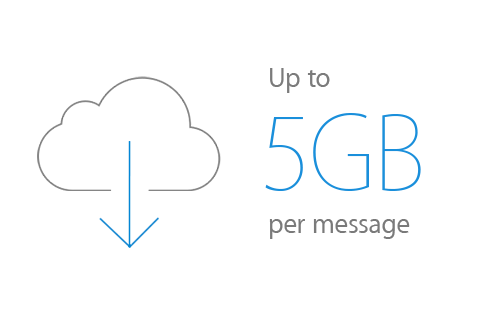
Send large files from any email account. Just attach the file and click Send — Mail Drop does the rest.
Send to anyone with Mail Drop.
When you send a large attachment, recipients get a link to download the file, so it doesn’t matter what their email size limits are.
iCloud stores the file for free for 30 days, and it doesn’t count against your storage space.