
iPhone and Mac
Use your Mac with your iPhone in powerful new ways.
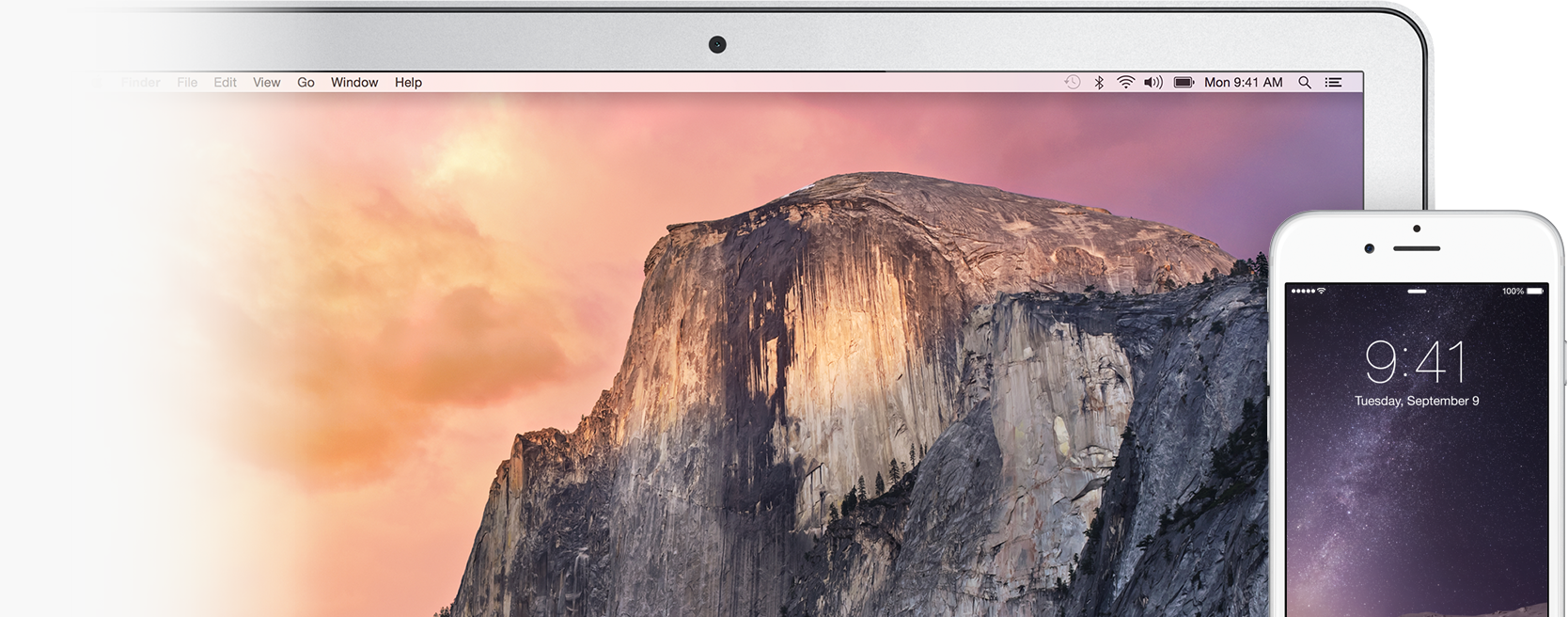



Answer calls on your Mac.
When you get a call on your iPhone, say hello from your Mac. Click to accept, or click  to respond with Messages.

Make calls, too.
To make a call, select a number in Safari, Contacts, Spotlight, Calendar, or Mail, then click Call.
No Wi-Fi? No problem.
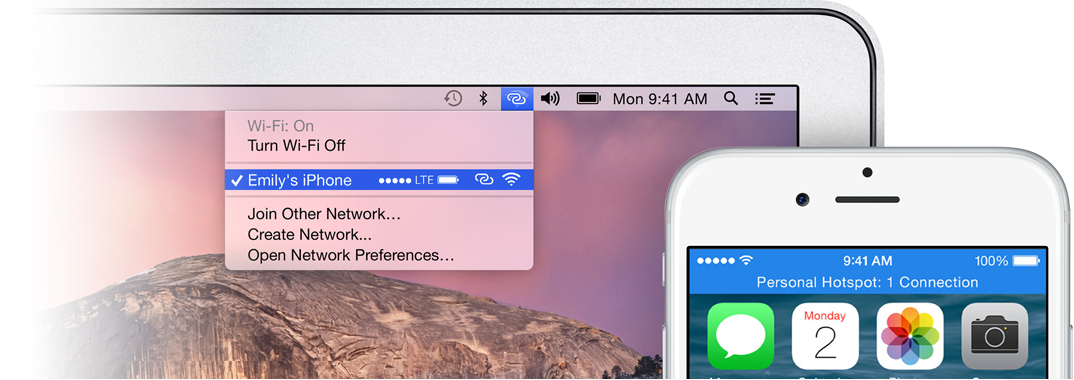
Instantly connect to your phone’s personal hotspot. When your iPhone is nearby, choose it from the Wi-Fi menu  to connect to its cellular network — even if your phone is in your pocket.1
Keep an eye on your iPhone from your Mac.
While you’re using Instant Hotspot, you can check your phone’s signal strength and battery status, so you’ll know how long you can stay connected.