template chooser

The template chooser shows thumbnails of the templates you can use to create a new spreadsheet.

To see the template chooser, open Numbers and choose File > New (from the File menu at the top of your screen).
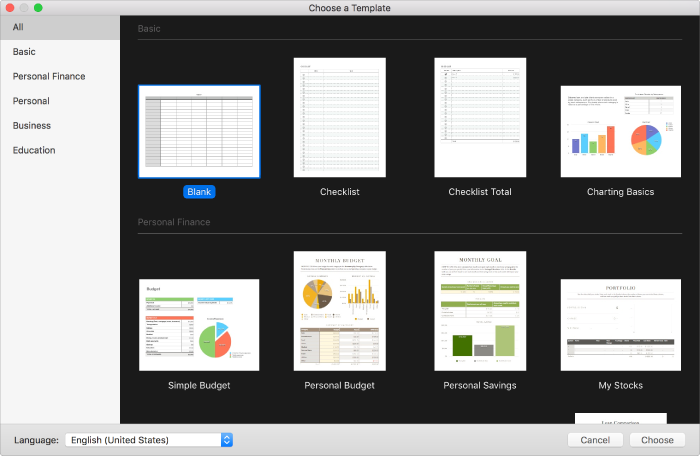
The template chooser. On the right are thumbnails of predesigned templates you can use to begin creating spreadsheets. A sidebar on the left lists template categories you can click to filter options.