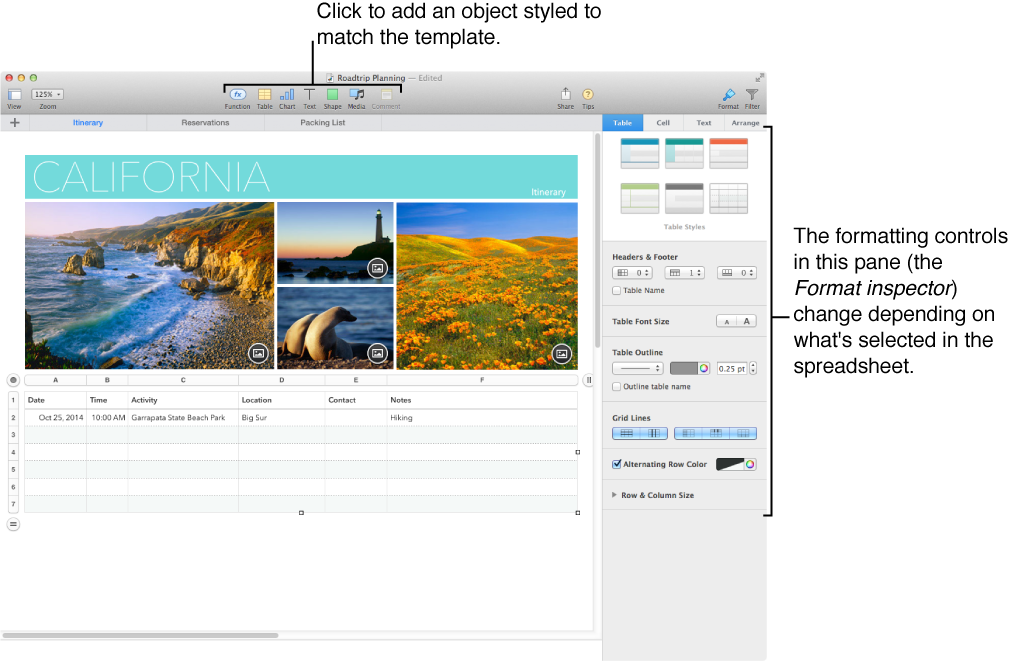

Numbers makes it easy to make beautiful and compelling spreadsheets. Start with one of the templates, then modify it however you like. Each template comes with predesigned styles—coordinated sets of colors, borders, effects, and so on—for tables, charts, text, and other objects.
When you select an object, you see its formatting controls on the right, in the Format inspector. It shows only the controls you need for the selected object.
The top of the Format inspector displays six alternative designs for the selected object. Just click one of the alternatives to change its look.
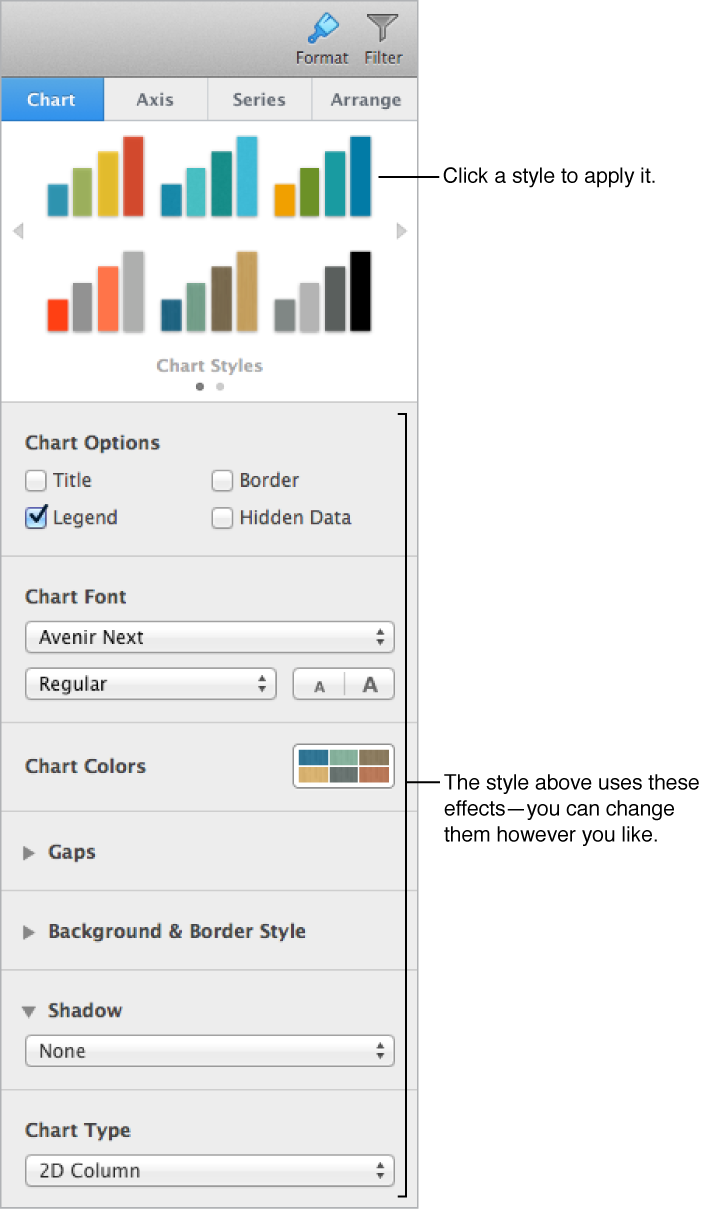
Use the other controls in the Format inspector to customize the object however you like. You can save your changes as a new style, so that it’s always available to you in the Format inspector. You can also save the whole spreadsheet as a new template.