Rearrange layered objects
Select an object.
Tap
 , tap Arrange, then drag the Move to Back/Front slider.

You can overlap objects and text and move them individually higher (forward) or lower (backward) in the stack.
You can group multiple objects so that you can move, resize, or rotate them as a single unit.
To avoid inadvertently moving, modifying, or deleting an object, you can lock it.
Select an object.
Tap , tap Arrange, then drag the Move to Back/Front slider.
Touch and hold an object, then with another finger tap the other objects you want to select.
Lift your fingers, then tap Group.
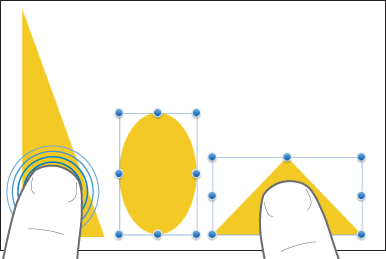
To ungroup objects, tap the group, then tap Ungroup.
Select one or more objects, then tap .
Tap Arrange, then tap Lock at the bottom of the inspector.
You may have to swipe up to see Lock.
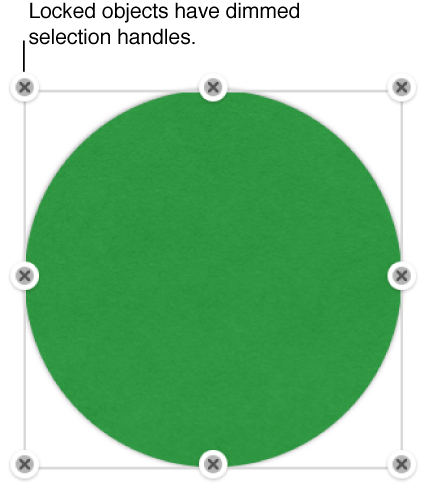
To unlock an object, tap it, then tap Unlock.