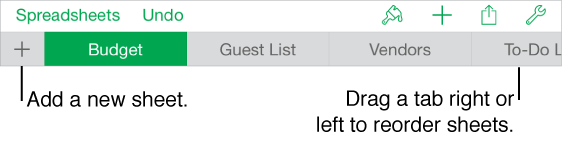

You can add multiple sheets (or tabs) to a spreadsheet to help you better organize your tables, charts, and other information. For example, you could separate your party planning into sheets for the budget, seating chart, vendor information, and task list.
Do any of the following:
Rename a sheet: Triple-tap its name, then type a new one.
Duplicate a sheet: Tap the tab you’re currently viewing, then tap Duplicate.
Delete a sheet: Tap the tab you’re currently viewing, then tap Delete.
Reorder sheets: Drag a tab left or right to reorganize sheets.