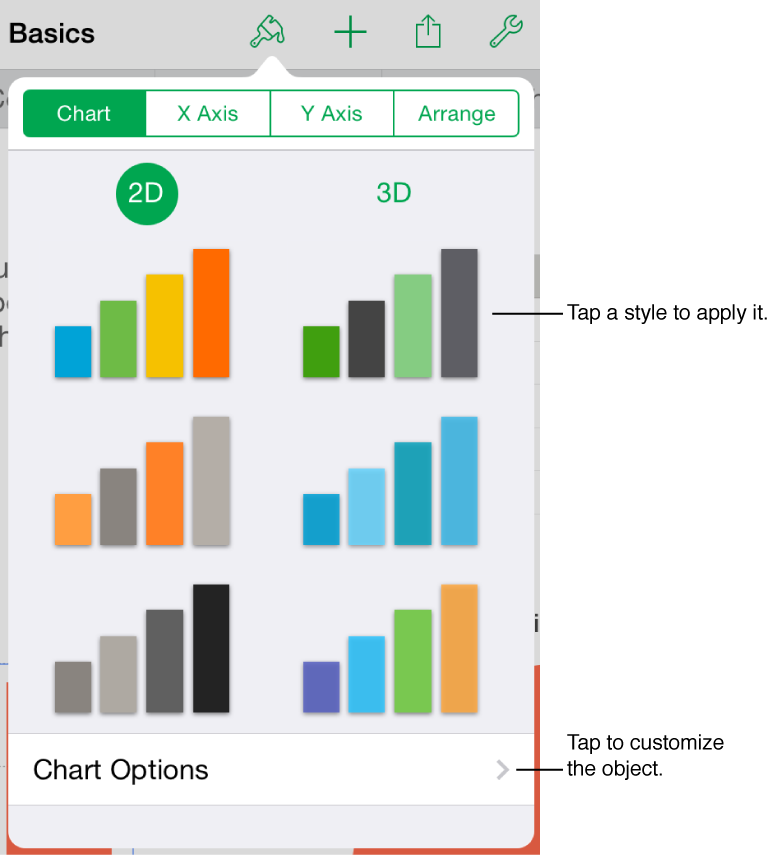
to see formatting controls. Only controls for the type of object you select are shown.
Numbers makes it easy to make beautiful and compelling spreadsheets. Start with one of the templates, then modify it however you like. Each template comes with predesigned objects—tables, charts, text, shapes, and more—that are coordinated to look good together and give your spreadsheets a unified look.
When you select an object, tap to see formatting controls. Only controls for the type of object you select are shown.
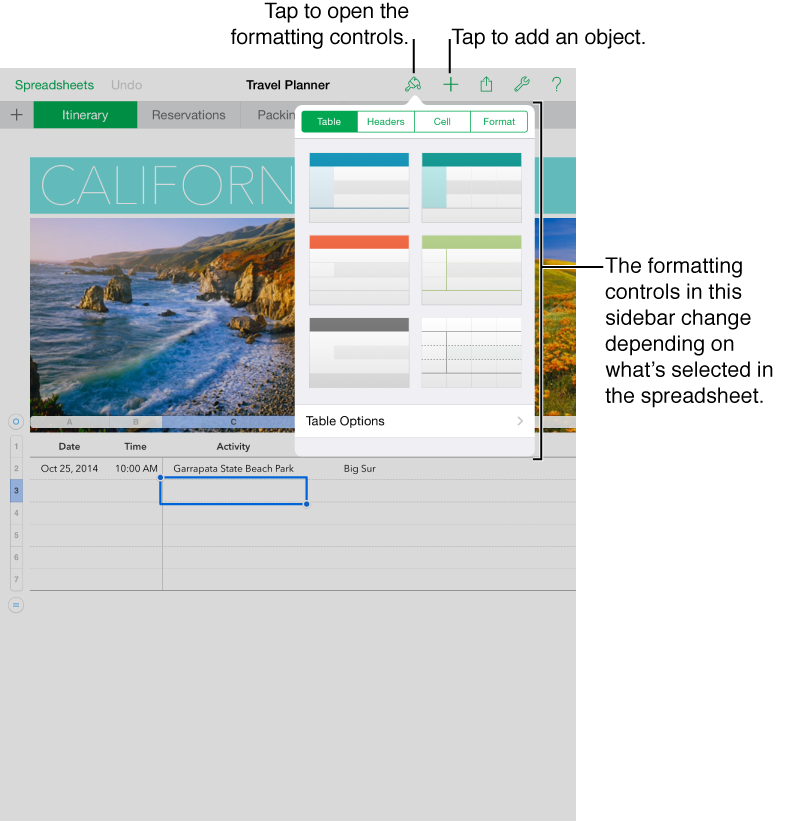
You can quickly change the look of the selected text or object by applying a new style. Tap and use the formatting controls to customize the look of the selected text or object.