
Simulates the effect of looking at an image through a kaleidoscope. This filter isn’t automatically animated, but by animating the Offset Angle parameter you can simulate rotating kaleidoscope imagery.
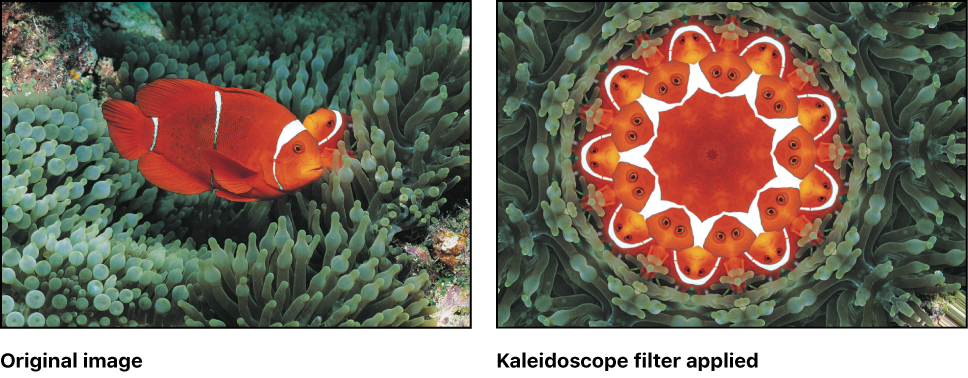
Adjust this filter using the parameter controls in the Filters Inspector:
Center: Sets the position of the center of the kaleidoscope. You can also drag the Center onscreen control in the canvas.
Segment Angle: Sets the angle at the tip of each triangular tile. You can also drag the outer handle of the onscreen control to adjust this value.
Offset Angle: Sets the rotation of the whole kaleidoscope. Values range from 0 to 360. You can also drag the inner handle (between the center and outer handle) of the onscreen control to adjust this value.
Partial Segments: Sets whether partial segments are used to complete the radius of the kaleidoscope. When Partial Segments is deselected, segments may be distorted.
Mix: Sets the percentage of the original image that’s blended with the filtered image.
Publish OSC: Publishes the filter’s onscreen controls in Final Cut Pro X. For more information on creating content for use in Final Cut Pro, see Final Cut Pro templates overview.