
Tints an image with a single color. Shadows and highlights are less affected, but all midrange colors in the image are gradually replaced with the tint color as the Intensity parameter is increased.
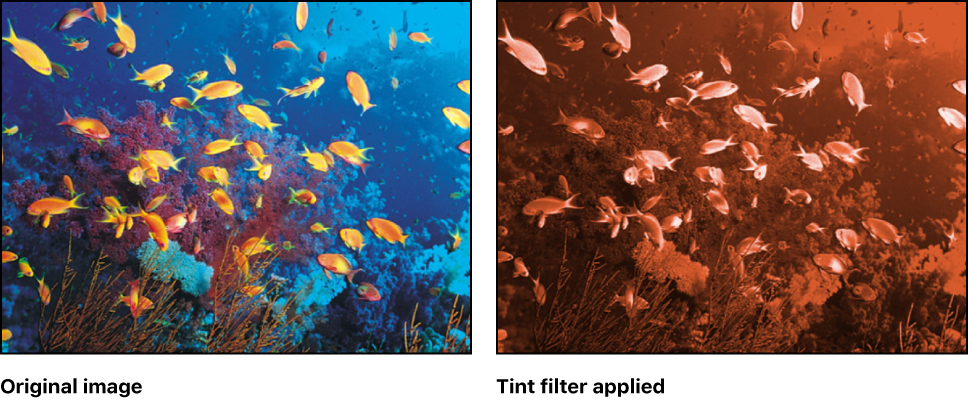
Adjust this filter using the parameter controls in the Filters Inspector:
Color: Picks the color used to tint the image. Click the disclosure triangle to reveal Red, Green, and Blue sliders for more precise color selection.
Intensity: Sets the amount of tint applied to the image.
Mix: Sets the percentage of the original image that’s blended with the color-corrected image.