
The Luma Keyer filter pulls a key from an image or clip based on a selected range of image lightness. Although typically used to key out a white background behind a foreground subject, the Luma Keyer filter can also be used to generate creative effects by turning a narrow range of image brightness transparent. The Luma Keyer filter can also isolate rasterized logo and text graphics from a black or white background.
Luma keys are most effective when you’re keying a subject with a range of lightness different from the area you’re turning transparent. For example, if you’re keying a black background, the foreground subject should not have deep shadows or dark areas that might get keyed with the background. Generally speaking, shadows and highlights in the image usually make this a difficult filter for pulling a perfect key.
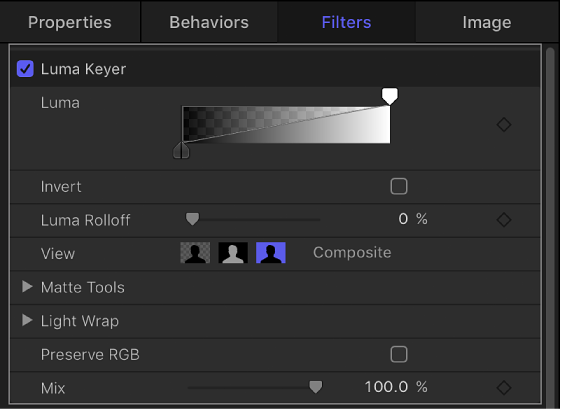
You apply a Luma Keyer filter like any other filter in Motion—from the Library or the Filters pop-up menu in the toolbar. For more information about applying filters, see Apply and remove filters.
For a description of the Luma Keyer filter parameters, see Luma Keyer filter controls.