
Motion provides three ways to remove an object from the Timeline track area:
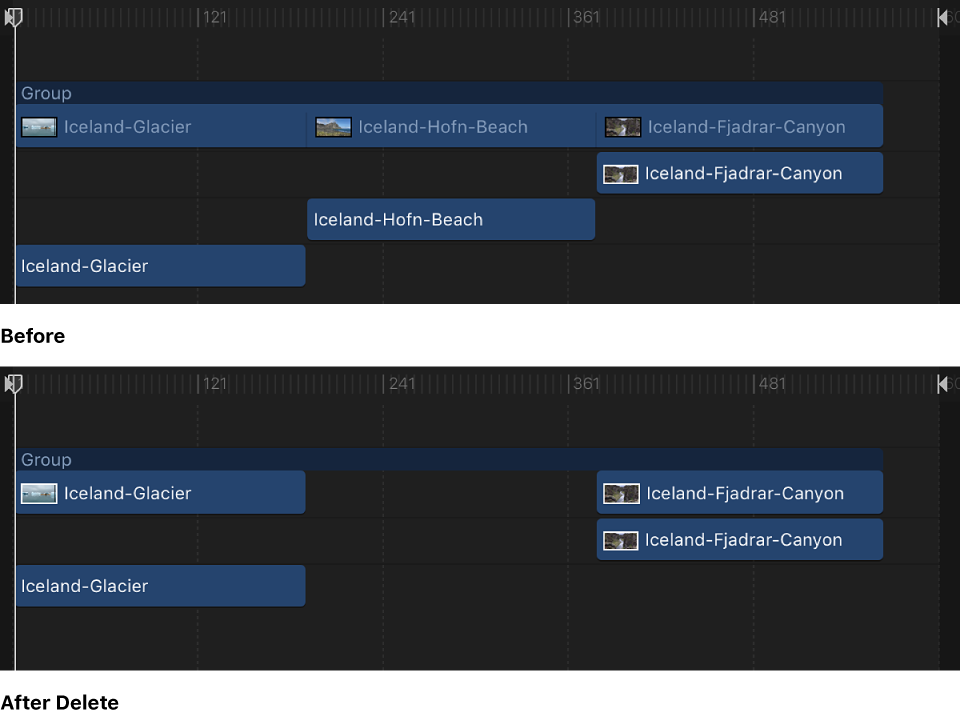
Delete: Removes the object, leaving a gap in the track.
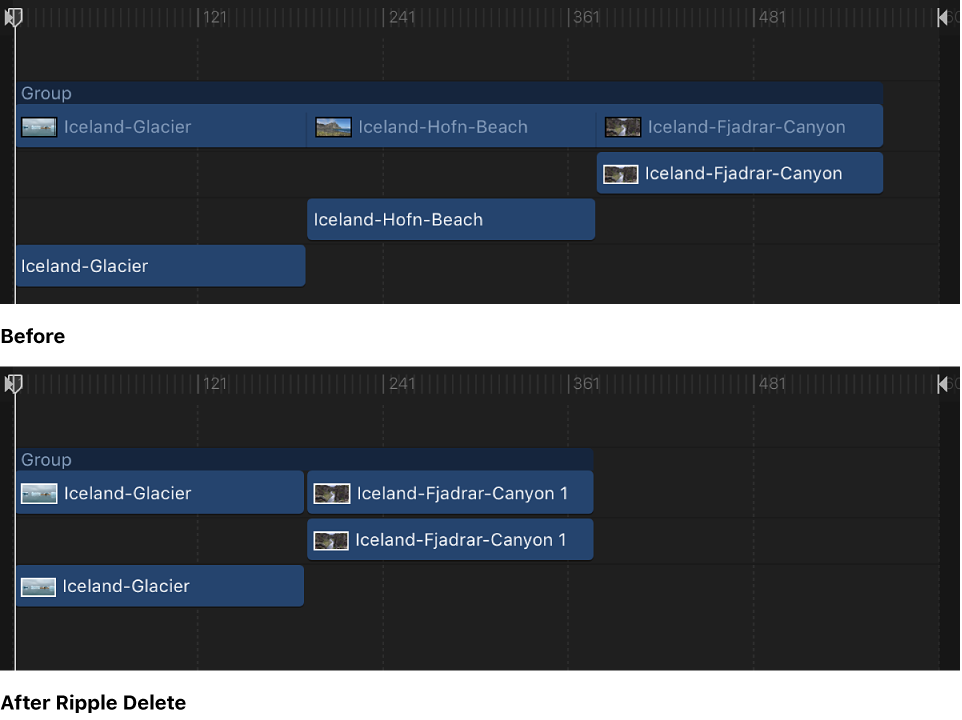
Ripple Delete: Removes the object and closes up the gap left behind.
Cut: Deletes the object, leaving a gap in the Timeline, and copies the object to the Clipboard for later pasting.
Select the object to delete.
Choose Edit > Delete (or press Delete).
You can also Control-click the object, then choose Delete from the shortcut menu.
Select the object to delete.
Choose Edit > Ripple Delete (or press Shift-Delete).
Select an object to delete.
Choose Edit > Cut (or press Command-X).
You can also Control-click the object, then choose Cut from the shortcut menu.