
You can add generators to a project to create instant graphical treatments such as colored backgrounds, bars, stripes, noise, or gradients. Some generators create animated patterns. However, most generators default to static, patterned images that you can animate using behaviors or keyframes.
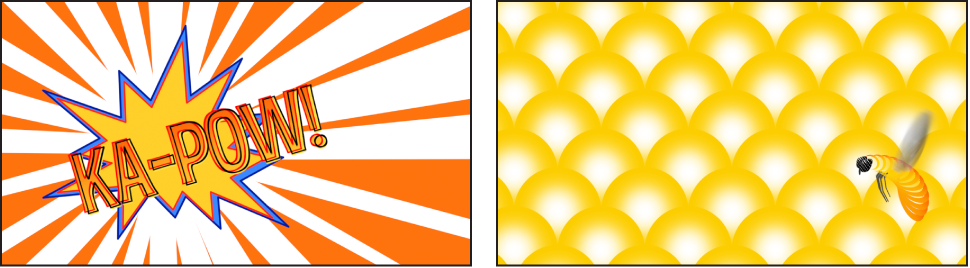
After you add a generator to your project, you can adjust its settings or animate it in the Generator Inspector or HUD, or by using onscreen controls (handles in the canvas).
There are two categories of generators in the Library:
Generators: A collection of both static images (such as the Checkerboard generator) and animated images (such as the Clouds generator). Although static generators are not animated by default, you can keyframe their parameters to create an animated pattern. For a description of each generator and its adjustable controls, see Image generators overview.
Text Generators: A collection of animated text treatments, such as advancing timecode and number countdowns. For a description of each text generator and its adjustable controls, see Text generators overview.
As with all other image layers in a Motion project, generators can be moved, duplicated, set to different blend modes, used as the source for a particle or replicator cell, and so on.