
When you create an emitter, the particle system begins working according to the default parameters in its Emitter Inspector and Particle Cell Inspector. You can modify the most important of these parameters in the Emitter HUD.
Select the emitter in the Layers list, Timeline, or canvas.
The Emitter HUD appears. (If it does not appear, click the HUD button in the toolbar or press F7.)
Do any of the following:
Drag a slider:
Birth Rate: Sets how many particles are created every second.
Life: Sets how long each particle remains onscreen (in seconds) before disappearing from existence.
Scale: Sets the size of each particle, relative to the original size of the cell.
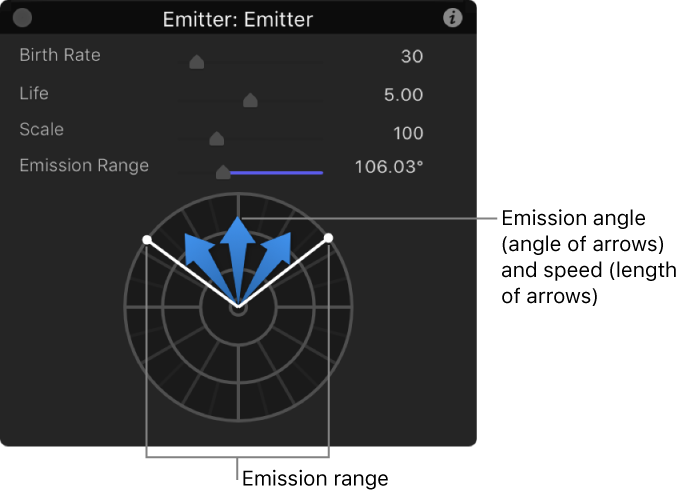
Emission Range: Sets the angle at which particles are emitted.
Drag in the graphical emission control to modify several parameters simultaneously: Emission Range, Emission Angle, and Emission Speed. For more information, see Emitter HUD controls.
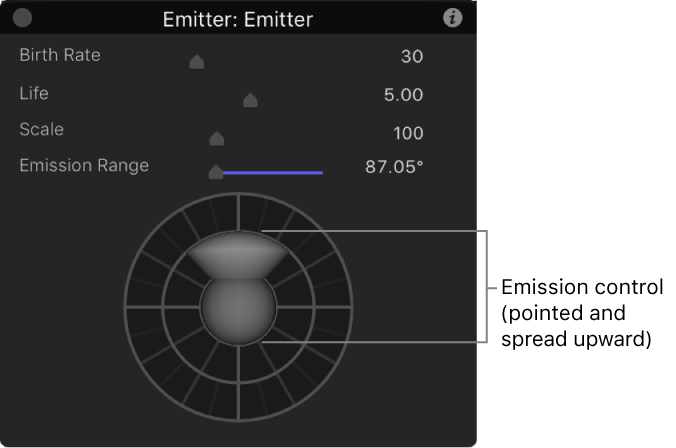
When the 3D checkbox in the Emitter Inspector is selected, the Emitter HUD offers additional 3D controls for manipulating the emitter in 3D space.
Do any of the following:
Drag any of the following sliders:
Birth Rate: Sets how many particles are created every second.
Life: Sets how long each particle remains onscreen (in seconds) before disappearing from existence.
Scale: Sets the size of each particle, relative to the original size of the cell.
Emission Range: Sets the angle at which particles are emitted.
Drag in the graphical emission control to modify the Emission Latitude and Emission Longitude parameters. For more information, see Emitter HUD controls.
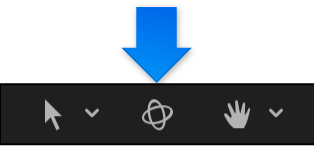
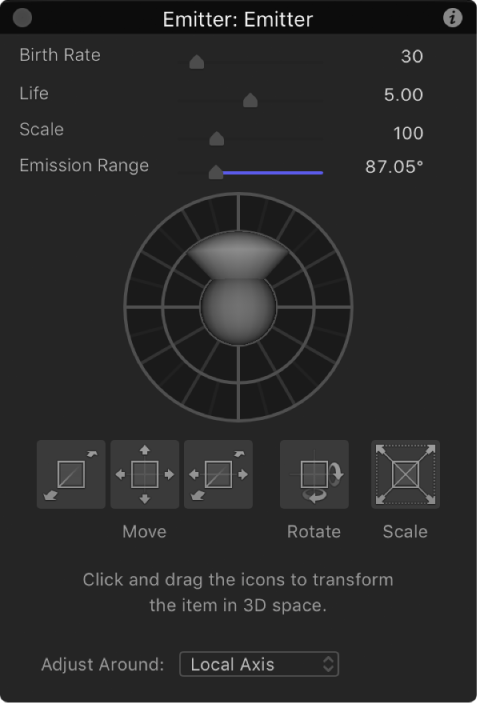
When you select a 2D or 3D particle emitter in the Layers list and then click the 3D Transform tool (in the canvas toolbar), the Emitter HUD expands to display additional controls that allow you to transform the emitter in X, Y, and Z space:
With an emitter selected in the Layers list, click the 3D transform tool in the canvas toolbar.
In the Emitter HUD, drag in any of the control squares to move, rotate, or scale the emitter in 3D space.
These controls are available in both 2D emitters and 3D emitters.
For more information on using the 3D transform controls in the HUD, see Transform layers in 3D space.
For particle systems containing multiple cells, the Emitter HUD parameters simultaneously modify the effect of each cell’s parameters relative to one another. This means that for a particle system consisting of two cells with different scale values, changing the scale in the HUD resizes both cells simultaneously. For example, increasing the scale in the HUD by 200% does not change the scale of both cells to 200%, but resizes the cells relative to their original scale values.
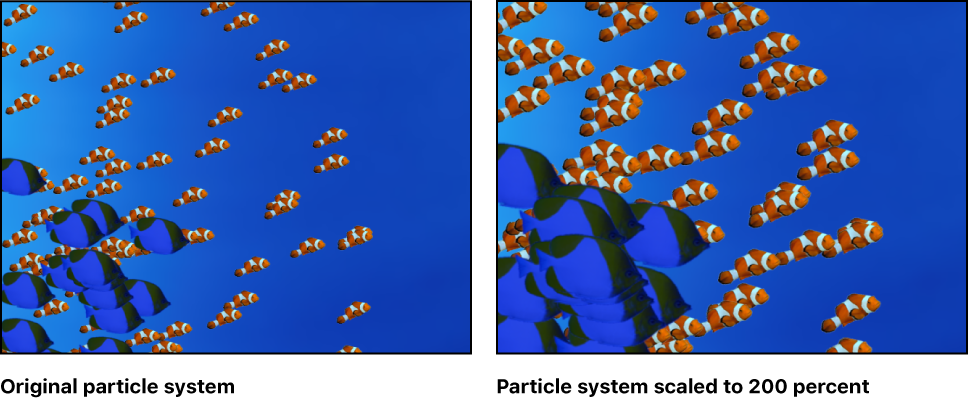
For this reason, in emitters with multiple cells, the HUD parameters are displayed as percentages. When you modify the parameters of a single cell, the cell parameters are adjusted directly.