
To modify keyframe values in the Keyframe Editor, select the Edit Keyframes tool (above the parameter list), then perform the following tasks:
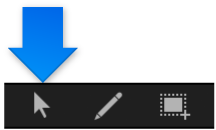
Do one of the following:
In the graph area of the Keyframe Editor, drag the keyframe along the Y axis (up-down) to change its parameter value. To change its position in time, drag along the X axis (left-right).
Press the Shift key while dragging to constrain movement to one axis. (To constrain keyframes to the Y axis, select “Lock keyframes in time in Keyframe Editor” in the Time pane of the Motion Preferences window.)
When dragging a keyframe in the graph, numbers appear indicating the position and value of the keyframe. The first number is the frame number (or timecode number) and the second number is the parameter value.
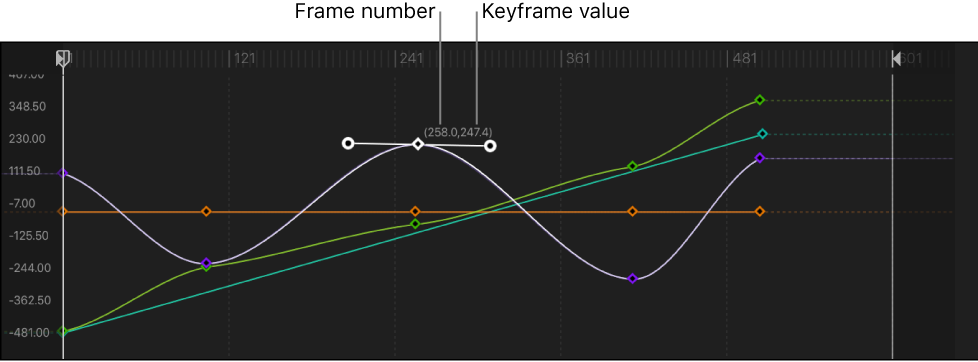
When you drag two keyframes closer along the X axis, the transformation between those values happens more quickly. When you drag keyframes farther apart from each other, the change happens more slowly.
Double-click the keyframe to modify, enter a value in the value field, then press Return.
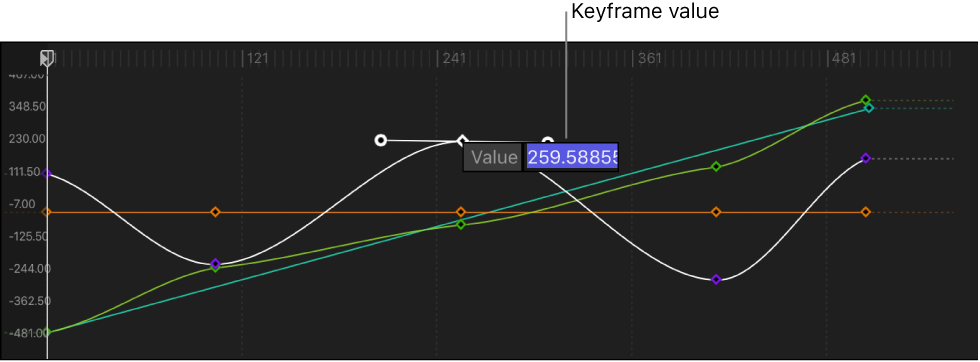
This changes the value of the keyframe along the Y axis (up-down).
Note: To dismiss an active value field without making changes, press Esc.
In the parameter list, drag a value slider:
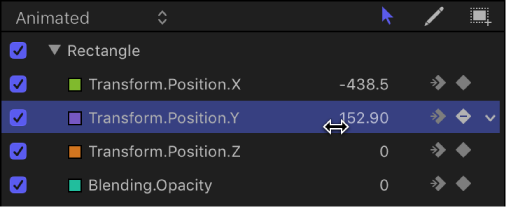
Drag right to increase the keyframe value.
Drag left to decrease the keyframe value.
Press and hold the Shift key while dragging to change the value in increments of 10.
Press and hold the Option key while dragging to change the value in increments of .01.
Select a keyframe in the Keyframe Editor.
Do any of the following:
Move the selected keyframe to a specific frame: Enter the number of frames, then press Return.
Move the selected keyframe forward by a specific number of frames: Enter a plus sign (+) and the number of frames, then press Return.
Move the selected keyframe back by a specific number of frames: Enter a minus sign (–) and the number of frames, then press Return.
You can select and move animation curves in the graph area of the Keyframe Editor.
Pressing and holding the Option and Command keys, drag a keyframe on the curve (or a curve segment between two keyframes) up or down.
In the Keyframe Editor, Shift-select the keyframes that bound the path segment or segments you want to move, then drag one of the selected keyframes up or down.
The path segment moves up or down, changing the shape of the curve.