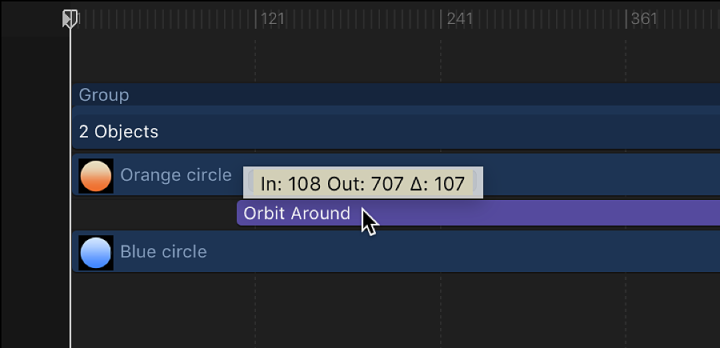
In addition to changing a behavior’s duration, you can also move its position in the Timeline relative to the object it’s applied to. This lets you set the frame where that behavior begins to take effect.
In the Timeline, click anywhere in the middle of a behavior’s bar.
Drag the behavior bar to the left or right to move it to another position in the Timeline.
As you move the bar, a tooltip displays the new In and Out points for the behavior. The tooltip also displays the delta value, which shows the number of frames you’ve moved the bar.