
A replicator appears in the Layers list and is selected.
One or more cells containing the image or images to be replicated appear as sublayers underneath the parent replicator (click the disclosure triangle beside the replicator layer to hide or reveal its cells).
The original source layer (the cell source) is disabled.
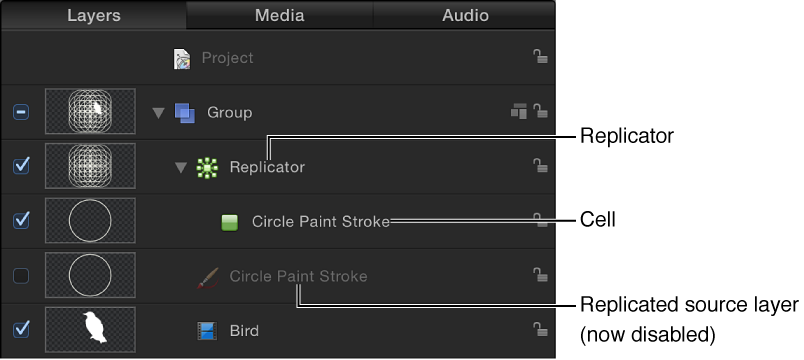
Note: Changes made to the original source layer, such as opacity or shearing, are also applied to the pattern even after the replicator is created.
In the Canvas, a bounding box and with transform handles appears around the selected replicator.
For custom replicators, the Adjust Item tool is selected in the toolbar so you can immediately begin dragging the replicator’s onscreen handles.
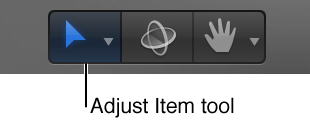
With the Adjust Item tool selected, dragging the bounding box outline or corner points in the Canvas resizes the replicator. Dragging inside the bounding box (but not the outline) repositions the replicator object as a whole.
The Replicator HUD appears. If you’ve hidden the HUD, press F7.
The Replicator Inspector becomes available.