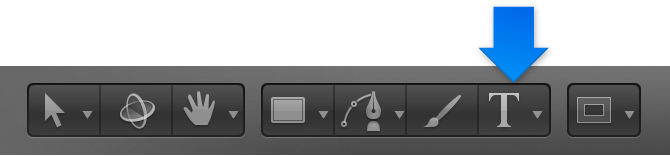

After you add text to Motion, you can select and edit text directly in the Canvas. To select text characters for modification, use the Text tool.
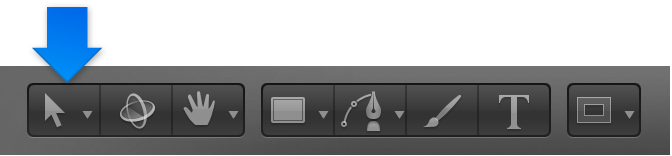
To select text as an object, use the Select/Transform tool.
Do one of the following:
Select the Text tool in the toolbar, then drag within the text object in the Canvas.
If you don’t begin the drag within a text object, a new text object is created.
Select the Text tool in the toolbar, lick between two text characters in the Canvas, hold down the Shift key, then press the Right Arrow key or the Left Arrow key to select characters.
Click the Select/Transform tool in the toolbar, then double-click text in the Canvas.
In the Layer’s list, select a text layer, then in the Text editor (at the bottom of the Text Inspector’s Format pane), drag within or double-click text.
With the Text tool selected, click text in the Canvas, then do any of the following:
Move the text insertion point: Press the Right Arrow or Left Arrow key.
Jump to the beginning of a text line: Press Command–Left Arrow.
Jump to the end of a text line: Press Command–Right Arrow.
Jump to the beginning of the word: Press Option–Left Arrow.
Jump to the end of the word: Press Option–Right Arrow.
Move the insertion point through multiple lines of text (for a single text object): Press the Up Arrow key or the Down Arrow key.
Select text in the Canvas, then begin typing.
The selected text is replaced by the new text.
In the Canvas, do one of the following:
Double-click a word, then press Delete.
Click at the end of a word, then press Option-Delete.