Display and adjust columns in the Media list
Do any of the following:
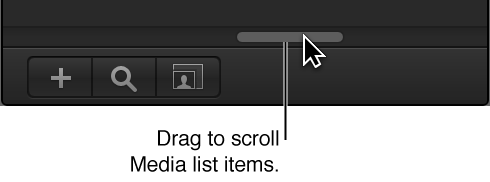
To display all visible columns in the Media list, drag the scroller at the bottom of the Media list.
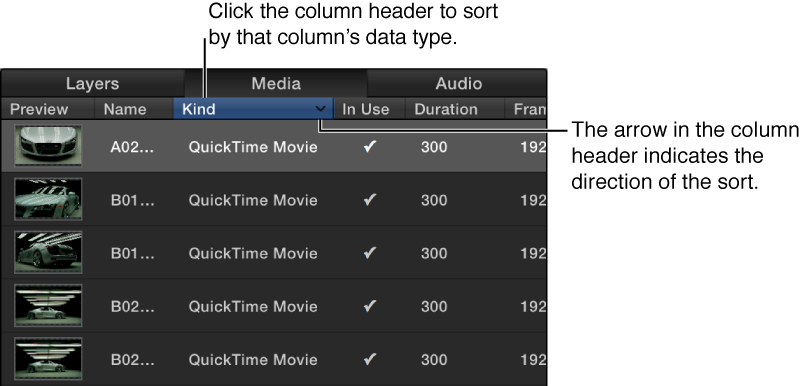
To show or hide a column, Control-click a column header, then choose the item to show or hide from the shortcut menu.
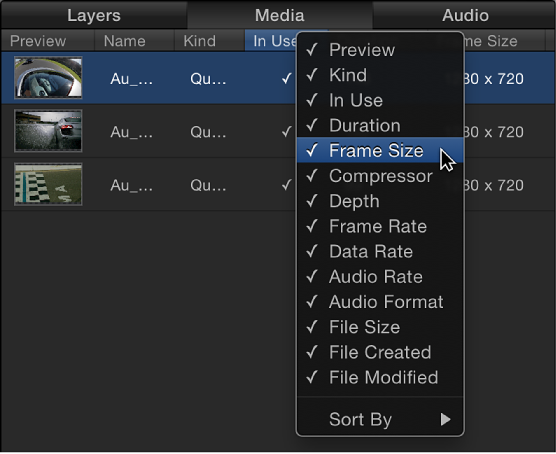
Items in the list with a checkmark are displayed in the Media list. Items with no checkmark are hidden.
To reorder the columns, drag a column header left or right to a new position.
To adjust column width, drag a column border to resize the width in the header row.
To adjust row height, do one of the following:
Position the pointer over a horizontal line and drag up or down to decrease or increase the height of all rows. Icons and thumbnails resize themselves as you make the adjustment.
Click the Scale button at the bottom of the Media list, then drag the slider left to decrease row height or right to increase row height.