
Convert a simple shape or mask
Do one of the following:
Select a simple shape or mask (rectangle or circle), then choose Object > Convert to Points (or press Option-Command-B).
In the Canvas, Control-click a simple shape or mask (rectangle or circle), then choose Convert to Points from the shortcut menu.
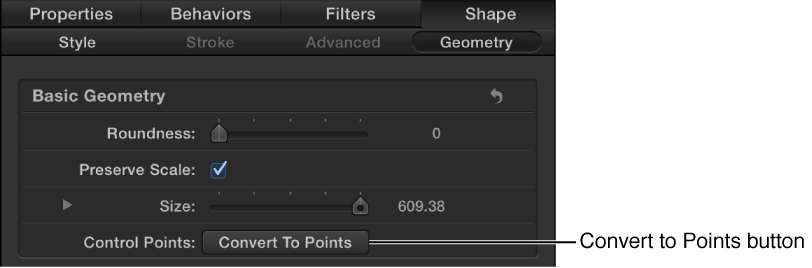
Select a simple shape or mask (rectangle or circle), then click the Convert to Points button in the Geometry pane of the Shape Inspector or in the Mask Inspector.
If you’ve animated the curvature, radius, or size parameters, a dialog appears asking you to confirm the conversion. The animation is not retained after the shape is converted.
Note: Animated feather values are retained when a simple shape or mask is converted.
Red control points appear on the shape or mask. For more information, see Edit control points overview.
Note: The only way to convert the complex shape back to a simple shape is to use the Undo command (Command-Z).