Display more information about ongoing clip analysis
Do one of the following:
Choose Window > Show Task List (or press F9).
Click the analysis indicator (in the lower-left corner of the Canvas, beside the Play/Mute audio button).
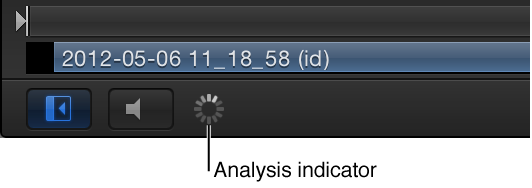
The Background Task List window appears.
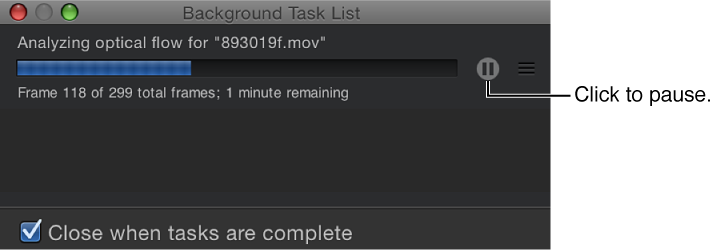
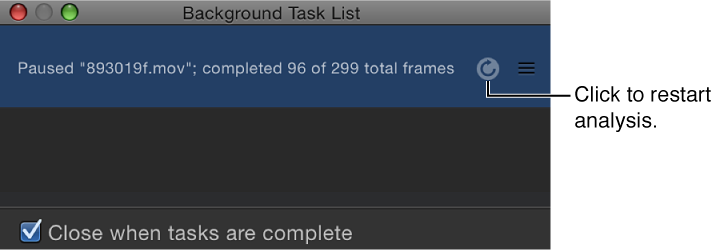
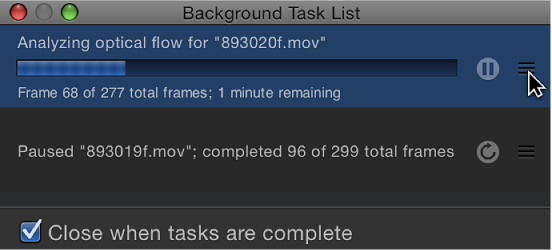
The Background Task List shows all processes Motion is working on in the background. Each task is labeled, has a progress bar, and displays text describing how far along the task is. You can interrupt current and pending operations by pressing the pause button next to the progress bar.