Display the Background Task List
Choose Window > Show Task List (or press F9).
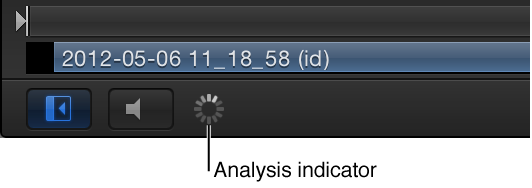
Click the analysis indicator (in the lower-left corner of the Canvas, beside the Play/Mute audio button).
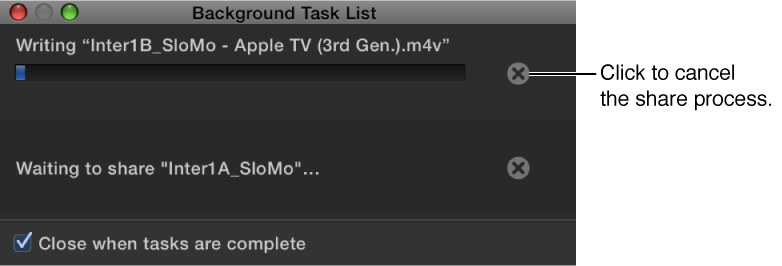
The Background Task List window appears, displaying all background processes. Each task is labeled, has a progress bar, and displays text describing how far along the task is.
Note: Any current retiming (such as optical flow) analyses are also displayed in the Background Task List. Although you can reorder the priority of the retiming jobs, you cannot rearrange the priority of shared projects.