Set or change output channels
Do either of the following:
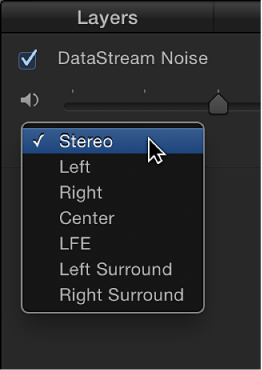
To set the channel for a specific audio track: In the Audio list, click the output channel pop-up menu for the audio track.
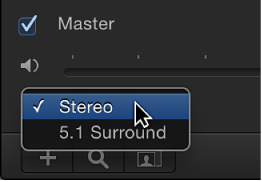
To set the Master track output: In the Audio list, click the output channel pop-up menu in the Master track area, then choose 5.1 Surround or Stereo.