
Preview an audio file before adding it to a project
You can listen to, or preview, an audio file in the File Browser before adding it to a project.
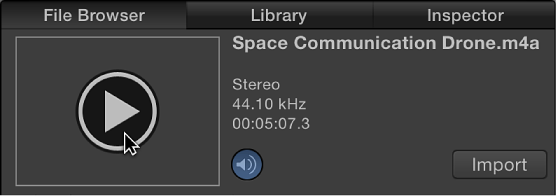
In the File Browser, select an audio file.
If “Play items automatically on a single click” in the General pane of Motion Preferences is selected, the file begins to play. If the file does not play, move the pointer over the preview area and click the Play button on the image thumbnail. You can click the Play button again to pause playback or click the Mute button to mute or unmute the sound.