
Animate: A checkbox that, when selected, enables animation of the time and date as the project plays. The animation, such as a countdown or count up, is based on the values set in the Start and End fields. When Animate is deselected, static information is displayed.
Start: A field (available when the Animate checkbox is selected) that sets the start date and time for the generator. This parameter can be animated using keyframes.
End: A field (available when the Animate checkbox is selected) that sets the end date and time for the generator. This parameter can be animated using keyframes.
Value: A field that specifies the date and time displayed in the generator. Value is not available when the Animate checkbox is selected. This parameter can be animated using keyframes.
Set Current Time: A button that loads the current time into the generator.
Time Units: A pop-up menu that sets the units of time used in the generator to Seconds, Minutes, Hours, Days, Months, or Years.
Time Format: A pop-up menu that sets the time format used in the generator. Choose one of four options:
None: Displays no time in the generator. (The date appears in the generator if any option other than None is chosen from the Date Format pop-up menu.)
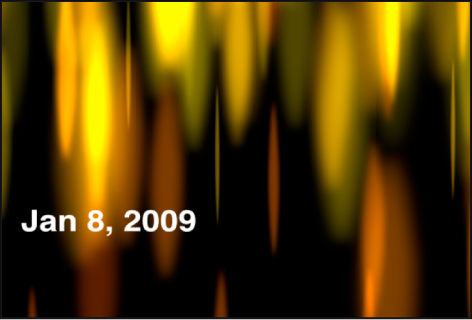
Short: Displays the time in hours and minutes.
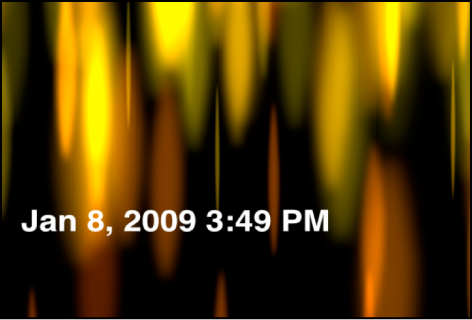
Medium: Displays the time in hours, minutes, and seconds.
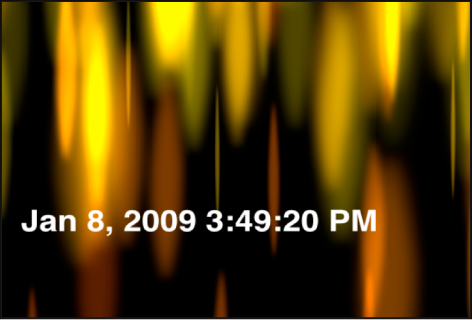
Long: Displays the time in hours, minutes, seconds, and time zone.
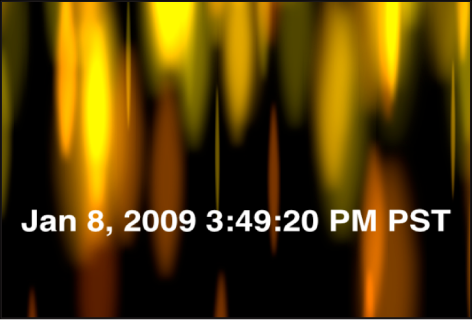
Date Format: A pop-up menu that sets the date format used in the generator. Choose one of five options:
None: Displays no date in the generator. (The time appears in the generator if any option other than None is chosen from the Time Format pop-up menu.)
Short: Displays the month, day, and year in all-numeral style.
Medium: Displays the month abbreviated to three letters without a period, the day, and the year.
Long: Displays the month spelled out completely, the day, and the year.
Full: Displays the day of the week and the month spelled out completely, the day, and the year.
Region: Controls that change the numeric format to that of another geographical region. By default, the generator uses the current system’s region. Click the Current button to set the current system’s region as the region for the generator. Click the Region pop-up menu to select another region.
Padding: A checkbox that, when selected, adds a 0 in front of single-digit times or dates.