
Reset: A curved arrow button that restores the generator to its default settings.
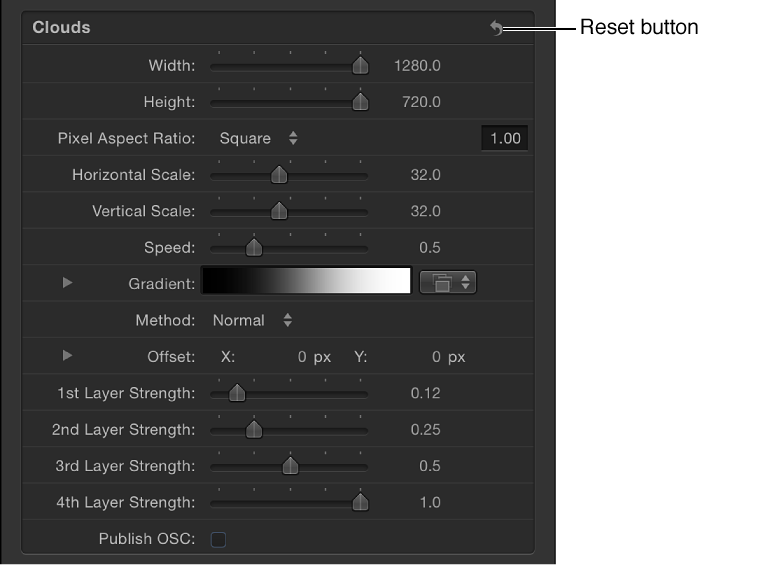
Width: A slider that sets the width of the generator, in pixels. Values range from 1 to the width of your project.
Height: A slider that sets the height of the generator, in pixels. Values range from 1 to the height of your project.
Pixel Aspect Ratio: A pop-up menu that sets the aspect ratio of the pixels drawn by the generator. Values can be selected from the following menu options: Square, NTSC D1/DV, NTSC D1/DV Anamorphic, PAL D1/DV, PAL D1/DV Anamorphic, Anamorphic 2:1, D4/D16, D4/D16 Anamorphic, HD (960 x 720, 1440 x 1080), HD (1280 x 1080), or Custom. When you select a value other than Custom, the Pixel Aspect Ratio of that selection appears in a value field next to the pop-up menu. Enter values from 0 to 10000 in the value field. If the value does not correspond to a preset value (for example, 2 for Anamorphic 2:1), Custom appears in the pop-up menu.