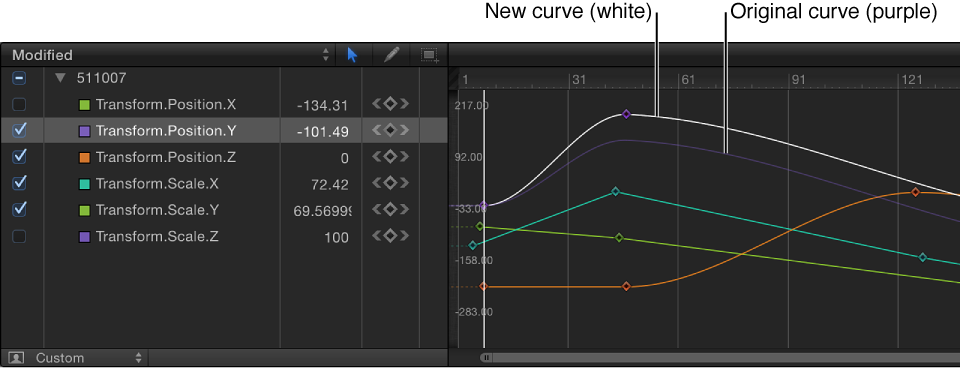
Take a curve snapshot
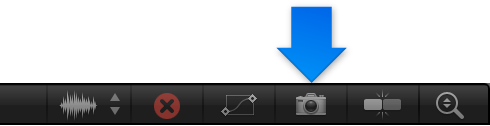
Click the Take/Show Curve Snapshot button in the upper-right corner of the Keyframe Editor.
With Take/Show Curve Snapshot enabled, as you move keyframes in the Keyframe Editor, the original curve—as it appeared when you took the snapshot—retains its color. As long as you remain in the Keyframe Editor editing the current set of curves with the Take/Show Curve Snapshot button enabled, the snapshot curve remains available.