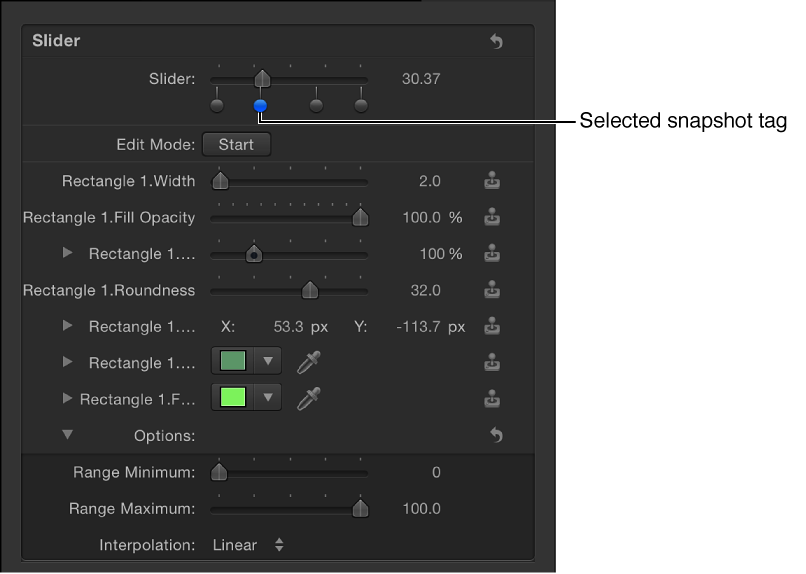

Snapshots are saved in the widget. Any parameter affected by a snapshot is persistently displayed in the widget (even if that parameter is unmodified by the current snapshot setting). Parameter controls in widgets are duplicates of the parameter controls they’re linked to.
For checkbox widgets, there are two snapshots: one for the selected state and one for the deselected state. Making changes to the linked parameters affects the snapshot for the current state of the checkbox.
For pop-up menu widgets, there are as many snapshots as there are menu items. Add menu items by clicking the Add button (+) to the right of the pop-up menu in the Widget Inspector. Making changes to the parameters affects the selected pop-up menu item.
For slider widgets, you must select a snapshot tag before enabling Edit Rig Mode.
After parameters are added to the widget, they can be modified only when a specific snapshot tag is selected. If a slider widget is set between two tags, you cannot modify parameters.