You can jump from your current playhead position to a nearby project marker forward or backward.
Control-click the Timeline ruler, then choose Next Marker from the shortcut menu.
The playhead jumps to the starting position of the next project marker.
Alternatively, you can choose Mark > Go To > Next Marker or press Option–Command–Right Arrow.
Control-click the Timeline ruler, then choose Previous Marker from the shortcut menu.
The playhead jumps to the starting position of the previous project marker.
Alternatively, you can choose Mark > Go To > Previous Marker or press Option–Command–Left Arrow.
You can also navigate to adjacent markers via the Edit Marker dialog.
Double-click a marker, then use the arrow buttons in the Edit Marker dialog.
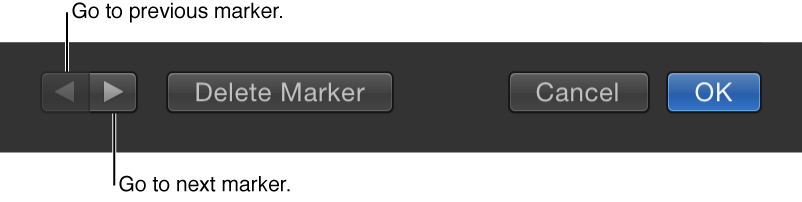
The dialog remains open and the contents are replaced with the information for the next marker.