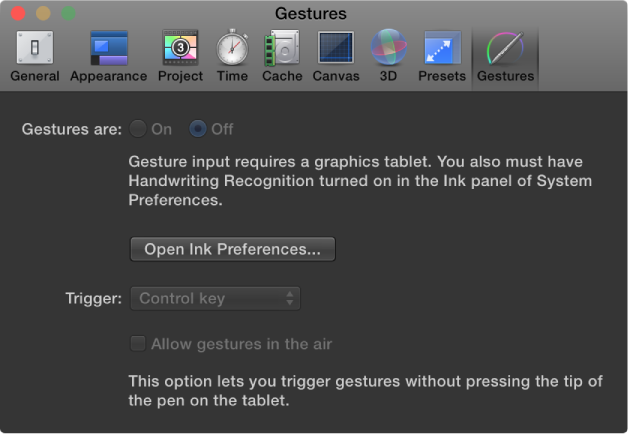

Gestures preferences affect Wacom graphics tablets, which can be used to control Motion.
You cannot turn on gestures in Motion unless you have a tablet attached to your computer and Handwriting Recognition turned on in the Ink preferences in OS X System Preferences. You can open Ink Preferences from the Gestures Preferences pane by clicking the Open Ink Preferences button.
For more information, see Tablet Gestures overview.
Note: Swipes, pinches and other multi-touch gestures performed on a Multi-Touch device are unaffected by any settings in the Gestures pane of Motion Preferences.
Gestures are: Buttons that turn gestures on or off.
Open Ink Preferences: A button that opens the Ink pane of OS X System Preferences.
Trigger: A pop-up menu that sets which trigger method is used: Pen Button 1, Pen Button 2, or the Control key on your keyboard.
Allow gestures in the air: A checkbox that, when selected, lets you trigger gestures without pressing the tip of the pen on the tablet. This option is available only when a pen button is set as the trigger to activate gestures.