Reverse the gradient color or opacity direction
Click the reverse tags icon next to the opacity or color bar.
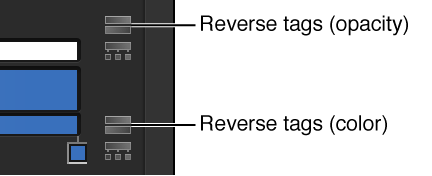
The tags are reversed.

You can reverse the direction or evenly distribute the gradient color and opacity tags.
Click the reverse tags icon next to the opacity or color bar.
The tags are reversed.
Click the distribute tags icon next to the opacity or color bar.
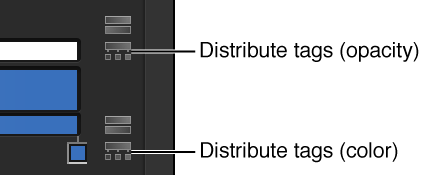
With the shape selected and the Inspector open, click the Gradient disclosure triangle to show the gradient editor.
Use the Start and End value sliders to change the direction of the gradient.